
Ever dreamed of creating those epic, viral fight videos you see all over social media, but felt blocked by complicated animation software? I’ve been there. The frustration of having a great idea—a hilarious battle between friends or a cinematic anime fight—with no easy way to bring it to life is real. It used to require serious time, skill, or money, leaving most of us on the sidelines. But what if you could change that today?
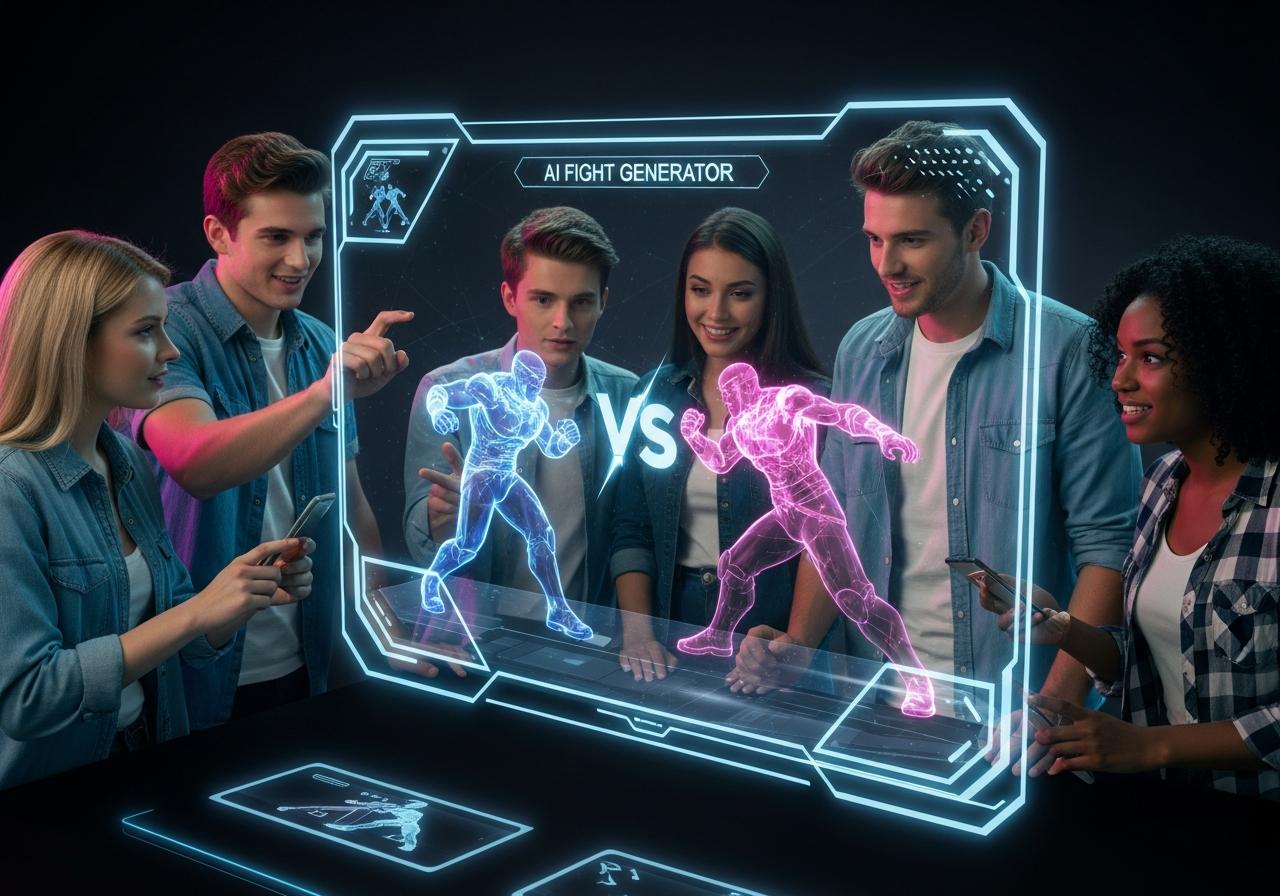
With the rise of the ai fight video generator, the barrier to entry for high-octane action content has crumbled. Whether you are looking for a free ai fight video generator to test the waters or a professional tool for cinematic results, this guide covers everything you need to know to start creating today.
The Content Creator’s Challenge: Why Fight Scenes Are So Hard to Make
Creating convincing fight scenes is widely considered one of the most difficult tasks in video production due to the complexity of biomechanics and timing.
The Steep Learning Curve of Traditional Video Editing and Animation
Traditional animation requires mastering complex software like Blender or Maya, understanding keyframes, and studying physics to ensure movements look natural.
For years, creating a simple 10-second fight clip meant hours of rigging characters and frame-by-frame editing. If you wanted to make two people fight from images ai wasn’t an option; you had to manually cut out characters in Photoshop, rig them in After Effects, and painstakingly animate their limbs. For hobbyist storytellers or social media creators wanting to hop on a trend quickly, this process is simply too slow and demanding.
From Static Images to Dynamic Action: The Creative and Technical Hurdle
Turning a still photo into a moving video involves “temporal consistency,” which is the technical challenge of keeping a character’s identity stable while they move aggressively.
When you try to animate a static image manually, you often encounter the “uncanny valley” effect where movements look robotic. At LIEN MMO, we often hear from creators who have excellent character designs but struggle to make them move. The technical hurdle isn’t just about movement; it’s about weight, impact, and reaction—elements that are incredibly hard to fake without advanced video editing skills. This is exactly where ai tools step in to bridge the gap.
The Solution: AI Fight Video Generators Are Changing the Game
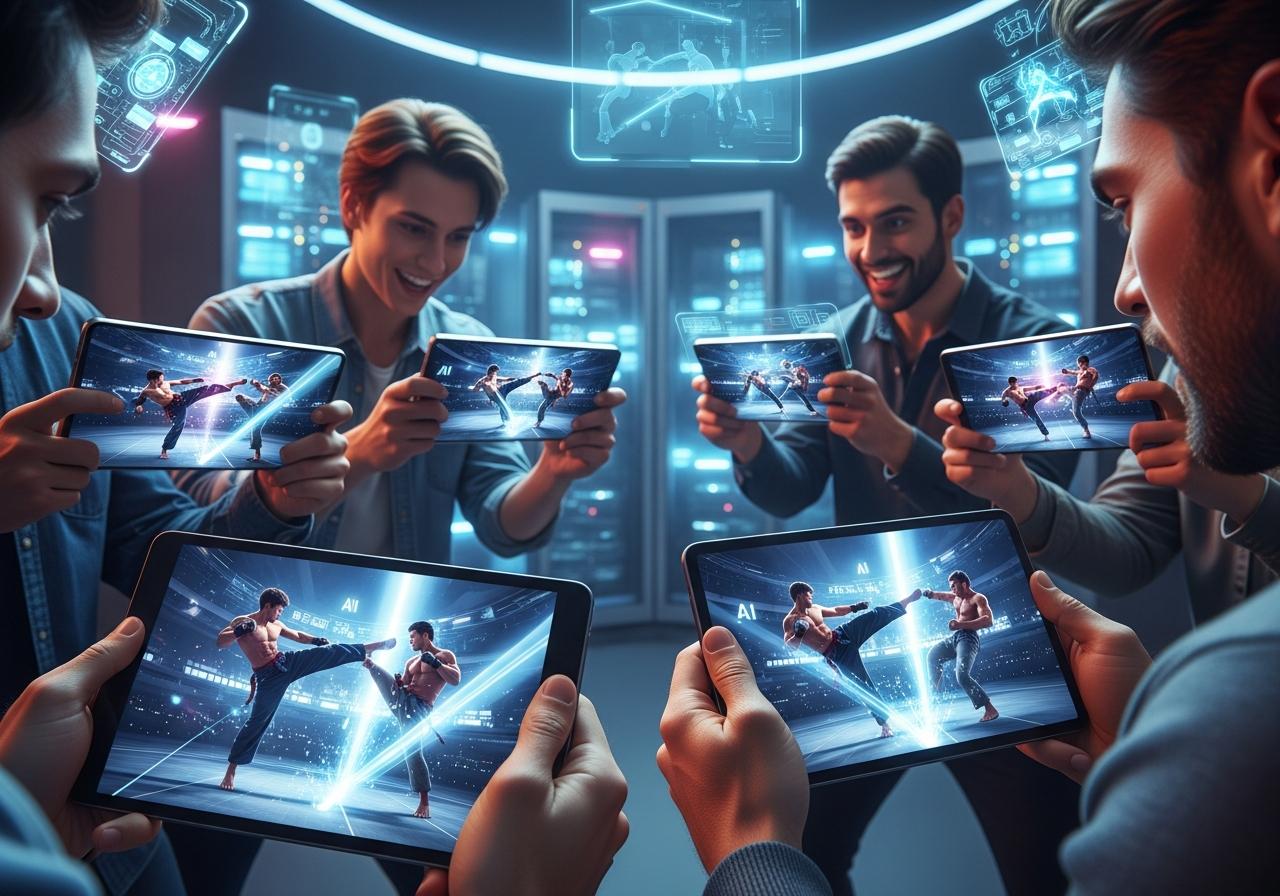
AI fight video generators utilize deep learning models trained on millions of video clips to predict and generate realistic motion between frames, effectively automating the animation process.
How AI Turns Your Photos and Ideas into Viral Battles Instantly
These tools analyze the pixels in your source image or the semantics of your text prompt to hallucinate motion. By using image to video ai fight technology, the AI identifies the subject (e.g., a boxer) and understands how a punch is thrown based on its training data. It then fills in the missing frames, creating a fluid video clip in seconds. This allows content creators to focus on the story and direction rather than the tedious technicalities of animation.
Key Features to Look For: From Text-to-Video to Custom Characters
When selecting the best ai fight video generator, prioritize motion control (like motion brushes), temporal stability (to prevent warping), and high-resolution upscaling.
To create truly viral battles, you need more than just random movement. Here are the features we recommend looking for:
- Motion Brushes: Allows you to highlight a specific area (like an arm or leg) and direct its movement.
- Text-to-Video Capabilities: Essential for generating an ai boxing video generator scene from scratch without source images.
- Character Consistency: Ensures your fighters don’t morph into different people mid-punch.
- Style Presets: Look for anime fight, cinematic, or 3D render styles to match your vision.
The 5 Best AI Fight Video Generator Apps for Dynamic Content

After extensive testing at LIEN MMO, we have identified the top 5 tools that balance ease of use, quality, and creative control for action scenes.
| App Name | Best For | Pricing Model | Key Feature |
|---|---|---|---|
| Runway ML | Cinematic Control | Freemium | Motion Brush |
| Luma AI | Realistic Physics | Freemium | High Fidelity |
| Pika Labs | Anime/Stylized | Freemium | Lip Sync & SFX |
| PixVerse | Social Media Trends | Free/Credits | 4K Upscaling |
| Vondy AI | Beginners/Simplicity | Freemium | Direct Prompts |
1. Runway ML: The Best AI Video Generator for Action Scenes with Cinematic Control
Runway ML (specifically Gen-2 and Gen-3 Alpha) is the industry leader for creators demanding precise control over movement in ai generated fight videos for social media.
Runway stands out because of its “Motion Brush” feature. In a fight scene, you don’t want the background to move; you want the fist to move. Runway allows you to paint over the specific parts of the image you want to animate and use directional arrows to dictate the path of the punch or kick.
- Pros: Incredible control over specific movements, high resolution, realistic lighting.
- Cons: The learning curve is slightly steeper than others; credits can be expensive.
- Verdict: The best ai video generator for action scenes if you want professional-looking results.
2. Luma AI (Dream Machine): For High-Fidelity and Realistic AI Generated Fight Videos
Luma AI’s Dream Machine is renowned for its understanding of real-world physics, making it ideal for creating realistic wrestling fight or boxing fight sequences.
Unlike some models that create “floaty” movements, Luma often nails the weight of a character. If you prompt a “heavyweight boxer landing a knockout,” Luma simulates the impact surprisingly well. It is excellent for text to video ai fight generation where realism is the priority over stylized art.
- Pros: High frame rate, excellent physics simulation, very fast generation times (Dream Machine).
- Cons: Less manual control than Runway; characters can sometimes hallucinate extra limbs in complex tangles.
3. Pika Labs: The Perfect AI Animation Maker for Stylized and Humorous Content
Pika Labs (accessible via Discord and Web) is the top choice for anime fight scenes and stylized content, offering integrated sound effects and lip-syncing.
Pika Art has carved a niche for itself among TikTok and Instagram creators. Its “Modify Region” tool allows you to change a character’s outfit or weapon mid-fight, and its specialized anime models are fantastic for creating over-the-top kung fu fight sequences. Plus, Pika can automatically generate sound effects (like punches and grunts) that sync with the video.
- Pros: Great for anime/cartoon styles, integrated SFX, easy to use on Discord.
- Cons: Videos are often shorter (3-4 seconds) initially; realism is lower than Luma.
4. PixVerse: The Go-To Free AI Fight Video Generator for Social Media Trends
PixVerse offers a generous free tier and a web-based platform that excels at creating high-quality, stable video loops perfect for Shorts and Reels.
If you are looking for a free ai fight video generator that doesn’t compromise too much on quality, PixVerse is a strong contender. It handles image to video ai fight conversions well, keeping the character’s face consistent. It is widely used by hobbyist storytellers to bring static memes to life.
- Pros: User-friendly web interface, generous free credits, supports 4K upscaling.
- Cons: Motion can sometimes be slower/less dynamic than Runway.
5. Vondy AI: Make Two People Fight From Images AI with Unbeatable Simplicity
Vondy AI serves as an AI aggregator that simplifies the process, offering specific tools like “AI Fight Generator” that require minimal prompting.
For those asking how to create ai fight video without learning prompts like “camera pan” or “motion scale,” Vondy is the answer. It often acts as a wrapper for various models, providing a simplified interface where you simply upload photos and select a “fight” preset. It is the best free ai fight video generator for absolute beginners who just want a funny result fast.
- Pros: Extremely simple, no complex settings, great for memes and quick content.
- Cons: Limited customization; you get what the AI gives you.
How to Create an AI Fight Video in 3 Simple Steps
Creating a viral battle doesn’t need to be complex; follow this workflow to transform your ideas into action using ai tools.
Step 1: Choose Your Fighters and Upload Your Images
Select high-quality, distinct images of your characters to ensure the ai character battle generator can distinguish between the combatants.
The quality of your input determines the quality of your output. If you are using image to video, ensure your characters are separated from the background if possible, or clearly defined.
- Tip from LIEN MMO: If you want to make two people fight from images ai, try to composite them into a single image first using a tool like Photoshop or Canva, placing them in a “face-off” stance. This gives the AI a clear context of the spatial relationship.
Step 2: Write a Killer Prompt for Your AI Character Battle
Craft a detailed text prompt that describes the action, style, camera angle, and intensity of the fight to guide the ai fight simulator.
A vague prompt like “two men fighting” will result in a generic hug-like struggle. Be specific.
- Formula:
[Subject] + [Action] + [Style] + [Camera Movement] - Example: “Cinematic shot of a cyber-punk samurai and a robot fighting, sparks flying, high speed katana slash, dynamic camera angle, 4k, blur background.”
Using LSI keywords like cinematic scenes or dynamic content in your prompt can actually help the AI understand the vibe you are going for.
Generate your clip, review it for glitches, use the “extend” feature to lengthen the fight, and edit the final clips together.
Rarely will the first generation be perfect. Use the “regenerate” button if the physics look off. Once you have a few good 4-second clips, stitch them together in a video editor like CapCut. Add music, voiceovers, and subtitles to increase engagement. This is how you turn a simple ai animation into a viral story for YouTube or TikTok.
Conclusion
The struggle to produce engaging, dynamic fight animations is officially over. AI fight video generators have torn down the barriers of cost and complexity, empowering everyone from hobbyist storytellers to professional content creators. These tools offer incredible creative control and deliver fast results, turning simple images and text prompts into viral battles for TikTok, Instagram, and YouTube.
Whether you choose the precision of Runway ML, the realism of Luma AI, or the simplicity of Vondy, the ability to create ai generated fight videos for social media is now at your fingertips. At LIEN MMO, we believe that your imagination is now the only limit to the action you can create.
Ready to unleash your inner director? Choose one of the apps from our list and start creating your first AI-generated fight video now. Share your creation in the comments—we’d love to see it!