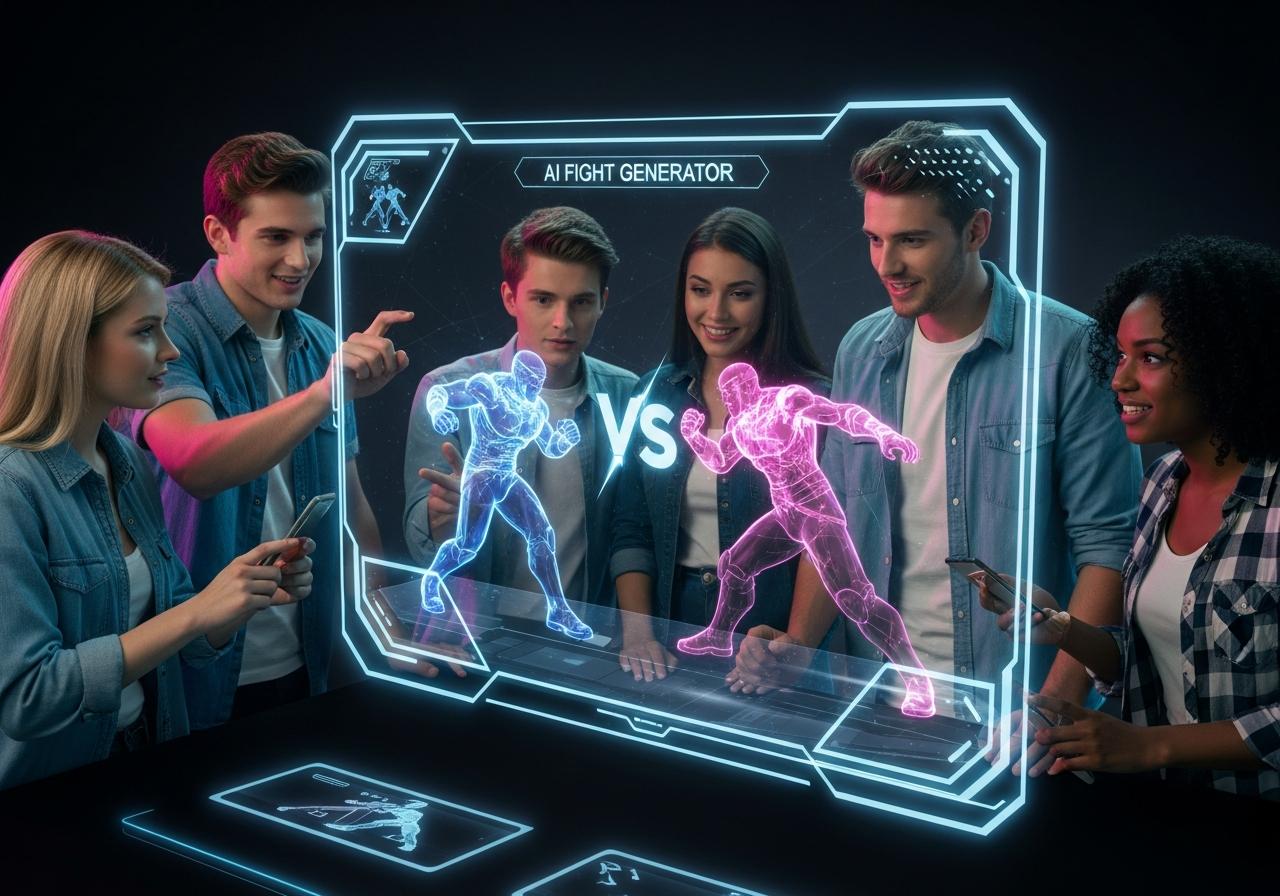

Effortlessly transform your written ideas into captivating videos without any technical skills or budget. In today’s fast-paced digital world, text to video AI free platforms are revolutionizing content creation for marketers, educators, and social media enthusiasts. This guide delves into the top 7 free tools that empower you to produce professional-quality videos in minutes, helping you engage your audience like never before. Discover the perfect platform to bring your scripts to life instantly.

The Power of AI in Modern Video Creation
AI video generation technology has reduced production time by up to 80%, allowing creators to bypass traditional filming and editing hurdles.
The landscape of content creation has shifted dramatically. Gone are the days when you needed expensive cameras, lighting setups, and complex software like Premiere Pro to make a simple clip. With generative AI technology, the barrier to entry has lowered significantly. At LIEN MMO, we have observed a massive surge in small business owners utilizing these tools to compete with larger corporations.
These platforms use advanced algorithms to interpret text prompts and convert them into visual sequences, AI avatars, and voiceover generation. This democratization of video production means that digital marketing strategies can now be agile, responsive, and visually stunning without a dedicated studio team.
Why Use a Text-to-Video AI Generator?
Using an AI generator saves significant time and money while allowing for rapid scalability of video content for various platforms.
For beginners and professionals alike, the benefits are tangible:
- Cost Efficiency: Eliminate the need for actors, equipment, and expensive video maker software.
- Speed: Turn a blog post or script into a video in minutes, not days.
- Scalability: Create multiple versions of marketing videos or explainer videos for A/B testing instantly.
- Accessibility: No technical skills required to produce professional quality video.
Key Features to Look for in a Free Tool
Prioritize tools that offer realistic AI voices, intuitive interfaces, and reasonable export limits on their free plans.
When searching for the best free text to video AI generator, consider these critical features:
- User-friendly interface: Can you navigate the dashboard without a tutorial?
- AI Avatars: Does the tool offer realistic digital presenters?
- Voice Quality: Look for natural-sounding AI voice and text to speech capabilities.
- Asset Library: Access to stock footage, images, and animations.
- Watermark Policy: Check if the text-to-video ai free without watermark option exists (rare) or if the branding is intrusive.
7 Top Text-to-Video AI Free Platforms for 2026

The top platforms for this year include HeyGen, InVideo, Pictory, Canva, Veed, Adobe Firefly, and Runway Gen-2, each excelling in specific niches.
We have tested dozens of tools at LIEN MMO to bring you this curated list of the most effective free AI tools to make videos from text.
1. HeyGen: Best for AI Avatars and Voice Cloning
HeyGen stands out as the premier choice for creating hyper-realistic AI avatars and seamless lip-syncing for professional presentations.
If your goal is to create tutorial videos or sales pitches where a “human” connection is vital, HeyGen is unbeatable. It allows you to create video ai free using credits provided in their trial plan. You simply input your script, choose an avatar, and the AI generates a video where the avatar speaks your text with perfect lip synchronization.
- Key Features: 100+ AI avatars, 40+ languages, and photo-to-avatar capabilities.
- Best For: Sales outreach, training videos, and personalized marketing.
- How to access: You can easily find where to heygen ai (access HeyGen AI) via their official web-based platform; no heavy download is required.
| Pros | Cons |
|---|---|
| Extremely realistic lip-sync | Free plan is limited by credits |
| diverse range of AI avatars | Watermark on free videos |
| Easy text to speech integration |
2. InVideo AI: Ideal for Template-Based Social Media Content
InVideo AI is the ultimate tool for generating script-to-video content specifically optimized for social media platforms like TikTok and YouTube.
InVideo has evolved into a powerhouse AI video generator. By typing a simple prompt like “Create a 30-second promo for a coffee shop,” the AI script to video engine writes the script, selects stock footage, adds voiceovers, and edits it together. It is a fantastic text to video converter free of complex workflows.
- Key Features: Huge stock media library, prompt-based generation, and intuitive edit video ai free tools.
- Best For: Social media content, YouTube Shorts, and Instagram Reels.
3. Pictory AI: Perfect for Repurposing Long-Form Content
Pictory AI excels at converting blog posts and long articles into engaging, short-form video summaries automatically.
For marketers who have a library of written content, Pictory is a lifesaver. It acts as a smart text converter, analyzing your article and selecting relevant stock footage to match the sentences. It also handles transcription automatically, adding captions to your videos which is crucial for SEO and accessibility.
- Key Features: Blog-to-video, transcribe video automatically, and auto-highlighting of long videos.
- Best For: Content marketers and bloggers looking to expand into video.
4. Canva Magic Media: The All-in-One Design and Video Tool
Canva Magic Media integrates runway-powered video generation directly into your favorite design workflow, making it incredibly accessible.
Most creators are already familiar with Canva. With Canva AI (Magic Media), you can generate short video clips from text prompts directly within your design project. It allows you to add text, graphics, and animations to these generated clips seamlessly.
- Key Features: Integration with Canva’s massive asset library, easy-to-use video maker interface.
- Best For: Social media managers who need quick visuals and digital marketing assets.
5. Veed.io: Best for Adding Subtitles and Simple Edits
Veed.io is a robust online editor that specializes in auto-transcription and turning text scripts into simple, edited videos.
While Veed is famous for its ability to transcribe audio, its veed ai text to video features are growing. It allows you to use stock avatars and text-to-speech to build explainer videos quickly. It is a great AI video maker free for those who need to clean up audio or add professional subtitles effortlessly.
- Key Features: Auto-subtitles, screen recording, and clean online video tools.
- Best For: Webinars, recordings, and quick social edits.
6. Adobe Firefly: Excellent for Cinematic B-Roll Generation
Adobe Firefly provides commercially safe, high-quality generative video clips that are perfect for filling gaps in your video production.
Unlike others that build full videos, Firefly is best for generating specific scenes (B-Roll) from text. If you need a specific shot that you can’t film, Firefly can generate it. It ensures professional quality video output that integrates well with tools like Premiere Pro.
- Key Features: High-resolution generation, commercially safe training data.
- Best For: Professional editors and creators needing specific custom footage.
7. Runway Gen-2: A Pioneer in High-Quality AI Video Generation
Runway Gen-2 offers the most advanced, cinematic text-to-video generation capabilities for creators pushing artistic boundaries.
Runway is often considered the leader in pure generative video. It allows you to turn text into video free online with stunning visual fidelity. While the learning curve is slightly higher, the output resembles high-end animation or film.
- Key Features: Text-to-video, image-to-video, and motion brush controls.
- Best For: Artistic projects, music videos, and high-concept creative work.
How to Choose the Right Free AI Video Generator for Your Needs

Select a tool based on your specific end-goal, whether it’s avatar-led presentations, social media clips, or artistic visualization.
With so many options, choosing the best text to video ai free platform can be overwhelming. At LIEN MMO, we recommend analyzing three main factors:
Assessing Your Primary Goal: Marketing, Education, or Social Media?
- Marketing/Sales: Use HeyGen for personalized avatar messages that build trust.
- Social Media: Use InVideo or Canva for fast, trend-based content.
- Education/Tutorials: Use Pictory or Veed to transcribe and summarize complex topics.
Understanding Free Plan Limitations: Watermarks, Video Length, and Quality
It is important to manage expectations. Most free AI video generator no login required tools (if they exist) or standard free plans come with caveats:
- Watermarks: Almost all free versions will include branding.
- Duration: Free videos are often limited to 1-3 minutes.
- Resolution: Some may cap exports at 720p instead of 1080p.
Ease of Use: Finding a Platform with a Beginner-Friendly Interface
If you have no skills needed for editing, avoid complex tools like Runway initially. Start with Canva AI or InVideo. These platforms utilize drag-and-drop interfaces and pre-made AI video templates, making the video production workflow smooth and intuitive.
Frequently Asked Questions (FAQ)
Can I create videos from text completely free without a watermark?
Generally, no; most reliable free AI platforms include a watermark on their free tier.
To remove watermarks, you usually need to upgrade to a paid plan. However, some tools like Canva may allow watermark-free downloads for a limited number of credits or specific assets.
Do I need to provide credit card information for these free tools?
Most of the platforms listed, such as HeyGen and InVideo, allow you to sign up and use free credits without a credit card.
They typically operate on a “freemium” model, allowing you to test the ai tool before committing financially.
How long can the videos be on a free plan?
Free plans usually limit video length to between 1 and 5 minutes per video.
This is sufficient for social media content and short ads but may be restrictive for long-form tutorial videos.
Conclusion
The era of complex and expensive video production is over. With the advanced, user-friendly text to video AI free platforms available today, anyone can become a video creator. By evaluating the features and limitations of each tool, from HeyGen’s realistic avatars to Canva’s integrated design suite, you can select the ideal generator for your specific needs. Start leveraging these powerful free tools to enhance your digital marketing and content creation strategy effortlessly.
Ready to bring your ideas to life? Explore our top-rated recommendation, HeyGen, to start creating professional videos with AI avatars for free today!