Are you struggling to create eye-catching video content that stops the scroll? The time, cost, and technical skills required for video production can feel overwhelming, leaving your static images feeling lost in a sea of dynamic content. Imagine if you could breathe life into your photos, transforming them into stunning, high-definition videos with just a few clicks. This guide will reveal how Veo 3 image to video AI is the free solution you’ve been waiting for.
The Modern Content Creator’s Dilemma: Why Static Images No Longer Cut It
Static images often fail to capture attention in today’s fast-paced digital landscape, leading to significantly lower engagement rates compared to dynamic video content.
In the current digital ecosystem, relying solely on still photography is becoming a handicap. Algorithms on platforms like TikTok, Instagram, and YouTube Shorts aggressively favor video. At LIEN MMO, we have observed that content creators who fail to pivot to video often see their organic reach plummet. The dilemma isn’t just about preference; it’s about survival in a “video-first” world.
The High Cost and Steep Learning Curve of Traditional Video Production
Professional video production typically requires expensive equipment and years of editing experience, creating a significant barrier to entry for many creators and small businesses.
Traditionally, làm video (making video) meant investing in expensive cameras, lighting setups, and mastering complex video editing software like Adobe Premiere or DaVinci Resolve. For the average marketer or indie filmmaker, the learning curve is too steep. You might spend hours learning motion graphics just to animate a simple logo. This complexity is why the Veo 3 AI video generator is such a game-changer—it democratizes access to high-end visuals without the overhead.
Losing the Battle for Audience Attention on Crowded Social Media Feeds
With social media algorithms prioritizing video, static posts are increasingly invisible, resulting in missed opportunities for brand growth and audience interaction.
The average user scrolls through hundreds of feet of content daily. Static images are easy to scroll past. To capture attention, you need movement. This is where Veo 3 for social media content shines. By turning a static image into a moving narrative, you instantly hook the viewer. We see this daily in affiliate marketing: dynamic product showcases always outperform static banners.
Veo 3: Your AI-Powered Solution to Effortless Video Creation
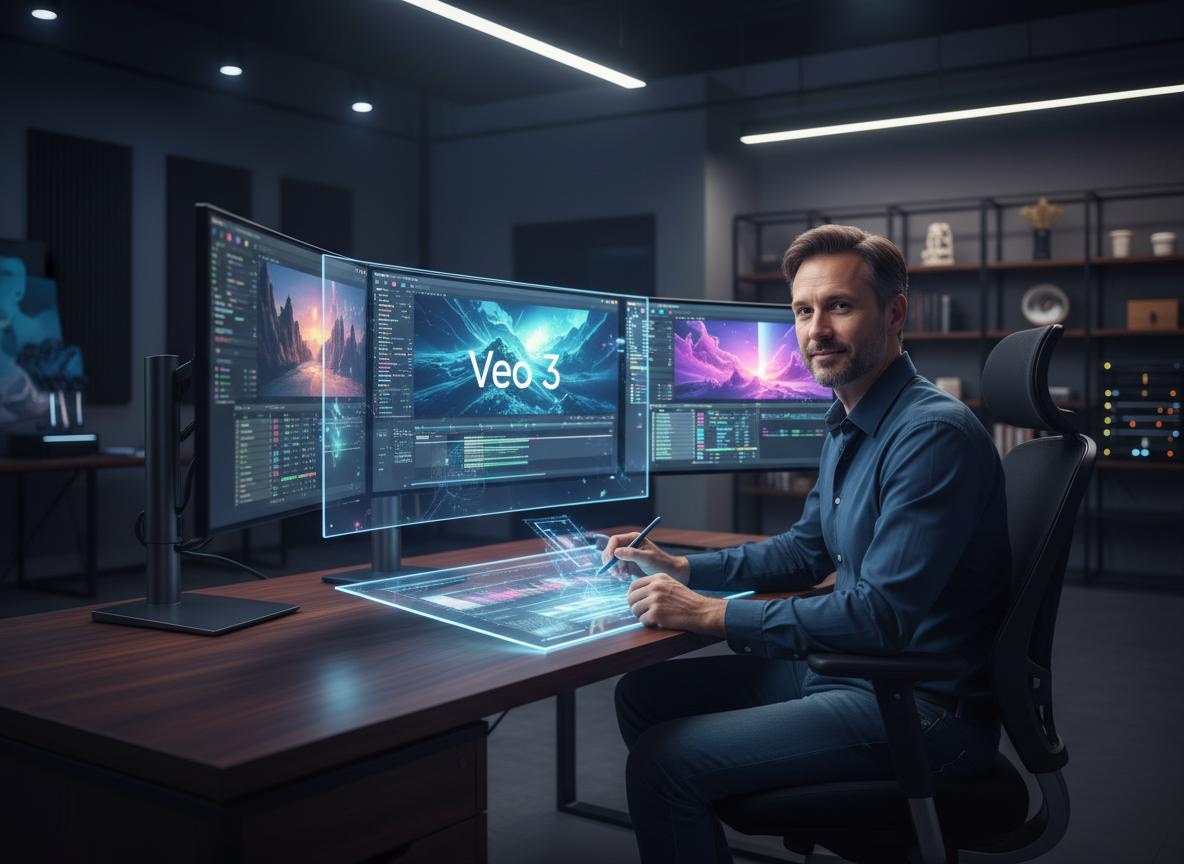
Veo 3 offers a streamlined, AI-driven platform that converts images into high-quality videos, eliminating the need for complex editing skills or expensive production teams.
Veo 3 represents the next leap in artificial intelligence and AI filmmaking. It is not just a tool; it is a creative partner that understands the context of your images. Below are the seven key ways this technology boosts your content strategy.
1. Instantly Animate Your Photos into Dynamic 1080p+ Videos
Veo 3 image to video technology transforms still photos into high-definition 1080p+ motion clips in seconds, ensuring professional visual quality.
Quality is non-negotiable. One of the standout Veo 3 features is its ability to render high-quality video output, often exceeding 1080p and reaching 4K resolution. Unlike older tools that produced blurry or glitchy results, Veo 3 video AI maintains the fidelity of your original image while adding realistic motion. Whether you are using Veo 3.1 image to video or the standard version, the result is crisp, clear, and ready for professional use.
2. Create Consistent Characters and Branding with Multi-Image References.
By utilizing reference images, Veo 3 ensures character consistency and brand identity across different scenes, a crucial feature for storytelling.
A common pain point with AI video generation is the “morphing” effect where characters look different in every shot. Consistent characters Veo 3 capabilities solve this. By uploading multiple reference images, you can train the Google Flow Veo system to recognize specific facial features or brand colors. This allows for true storytelling where your protagonist remains recognizable from the start and end frames.
3. Produce Cinematic and Vertical Videos Perfect for Any Platform
Veo 3 allows for adjustable aspect ratios, making it easy to generate cinematic wide shots or vertical videos tailored for TikTok and Reels.
Different platforms require different formats. A cinematic 16:9 shot won’t work on TikTok. Veo 3 Google tools allow you to specify the aspect ratio before generation. You can create cinematic stories for YouTube or vertical content for Instagram Reels from the exact same source image. This flexibility ensures your content is native to every platform you publish on.
4. Add Lifelike Motion and Synchronized Audio Using Simple Text Prompts.
Advanced prompt engineering enables users to direct motion and add synchronized audio, turning a simple image into a complete sensory experience.
Learning how to animate static images with AI used to be hard. Now, it’s about text. With text to video capabilities, you can type “camera pans right, leaves rustling in the wind” and Veo 3 executes it. Furthermore, synchronized audio features can generate sound effects or dialogue that matches the movement, creating a deeply immersive experience. This is the power of the Gemini Veo 3 free integration—multimodal understanding of sound and vision.
5. Generate Engaging Product Showcases and Logos from a Single Image.
Marketers can instantly convert static product shots into engaging video showcases, significantly enhancing product visibility and appeal.
For our audience at LIEN MMO, this is the most profitable feature. You can take a simple photo of a product and use Google Vids Veo 3 image to video to make it spin, float, or be used by a model. This transforms a boring catalog entry into an exciting product showcase, directly impacting conversion rates.
6. Effortlessly Boost Social Media Engagement with Viral-Ready Content
Dynamic videos generated by Veo 3 are designed to capture attention quickly, increasing the likelihood of shares and viral growth on social platforms.
Viral content often shares one trait: visual surprise. By using Veo 3 ultra settings to create surreal or highly dynamic motions, you increase the “wow” factor. Digital content creators using video Veo 3 tools report higher retention rates because the AI can predict and generate movements that are visually satisfying to the human eye.
7. Streamline Your Creative Workflow and Maximize Productivity.
Integrating Veo 3 into your process drastically reduces production time, allowing for rapid content iteration and a more efficient creative workflow.
Time is money. The creative workflow with Veo 3 is lightning fast. Instead of spending days filming, you spend minutes generating. This efficiency allows marketers to test multiple ad variations (A/B testing) without breaking the budget. It effectively lowers the cost of production to near zero, especially when using a free image to video AI generator tier.
Your Quick Start Guide to Making Videos with Veo 3 AI
Getting started is simple; access the tool via platforms like Google Vids or Leonardo.Ai and follow a few intuitive steps to generate your first video.
Ready to dive in? Here is how you can start using this best AI video generator from images.
How to Access the Veo 3 AI Video Generator (Google Vids, Leonardo.Ai, and More).
Veo 3 technology is often integrated into platforms like Google Vids and Leonardo.Ai, or accessible via Google’s experimental labs and Gemini API.
You might be wondering where to find this tool. Google often integrates its latest models, like Veo 3 Gemini, into various interfaces.
- Google Vids: Look for the “Help me create” feature powered by Google AI.
- Leonardo.Ai: Often integrates top-tier models for image to video AI free online trials.
- Gemini API: For developers, accessing Flow Veo 3 via API allows for custom apps.
A Step-by-Step Tutorial: From Your First Image to a Finished Video
Upload your image, enter a text prompt, select your settings, and let the Veo 3 AI video generator render your content in minutes.
Here is a simple Google Veo 3 image to video tutorial to help you turn image to video with Veo 3:
- Upload: Select a high-resolution image. This acts as your reference.
- Prompt: Use prompt engineering to describe the motion (e.g., “slow zoom in, cinematic lighting”).
- Settings: Choose your aspect ratio (16:9 or 9:16) and duration.
- Generate: Click the button to create video from image using AI.
- Refine: If using Veo 3.1 image to video, you may have options for scene extension or adding new start and end frames.
Pro Tips: Best Practices for High-Quality and Coherent AI Video Output
To achieve the best results, use high-resolution source images and specific prompts to control lighting, motion, and camera angles.
At LIEN MMO, we have tested many Veo 3 alternatives like Sora AI, Runway ML, and Adobe Firefly. Here is how Veo 3 compares and how to get the best out of it:
| Feature | Veo 3 (Google) | Runway ML | Sora AI |
|---|---|---|---|
| Ease of Use | High (Integrated in Workspace) | Moderate | Moderate |
| Consistency | Excellent (Character focus) | Good | Excellent |
| Accessibility | Veo 3 free options available | Paid tiers mostly | Limited Access |
Tip: For those asking “how to dung veo (use Veo) effectively,” always focus on your prompt. The more descriptive you are about the lighting and camera movement, the better the video generator performs.
Conclusion
Stop letting the complexities of video production hold your content back. Veo 3 image-to-video technology empowers you to overcome the hurdles of time, cost, and skill, turning your static pictures into captivating stories. By leveraging this powerful and accessible AI tool, you can finally create the engaging, high-quality video content needed to capture your audience’s attention and elevate your brand’s presence across all digital platforms effortlessly.
Ready to bring your images to life? Try a free image-to-video AI generator today and start creating stunning videos in minutes!