Tired of manually taking notes and forgetting key action items from important meetings? AI-powered tools can automatically transcribe and summarize meeting audio to text, saving you time and boosting productivity. These tools convert lengthy audio recordings into concise, actionable text, complete with key takeaways, decisions, and assigned tasks. This article reviews the top 7 AI solutions that will revolutionize how you manage your meeting minutes and follow-ups, ensuring you never miss a critical detail again.
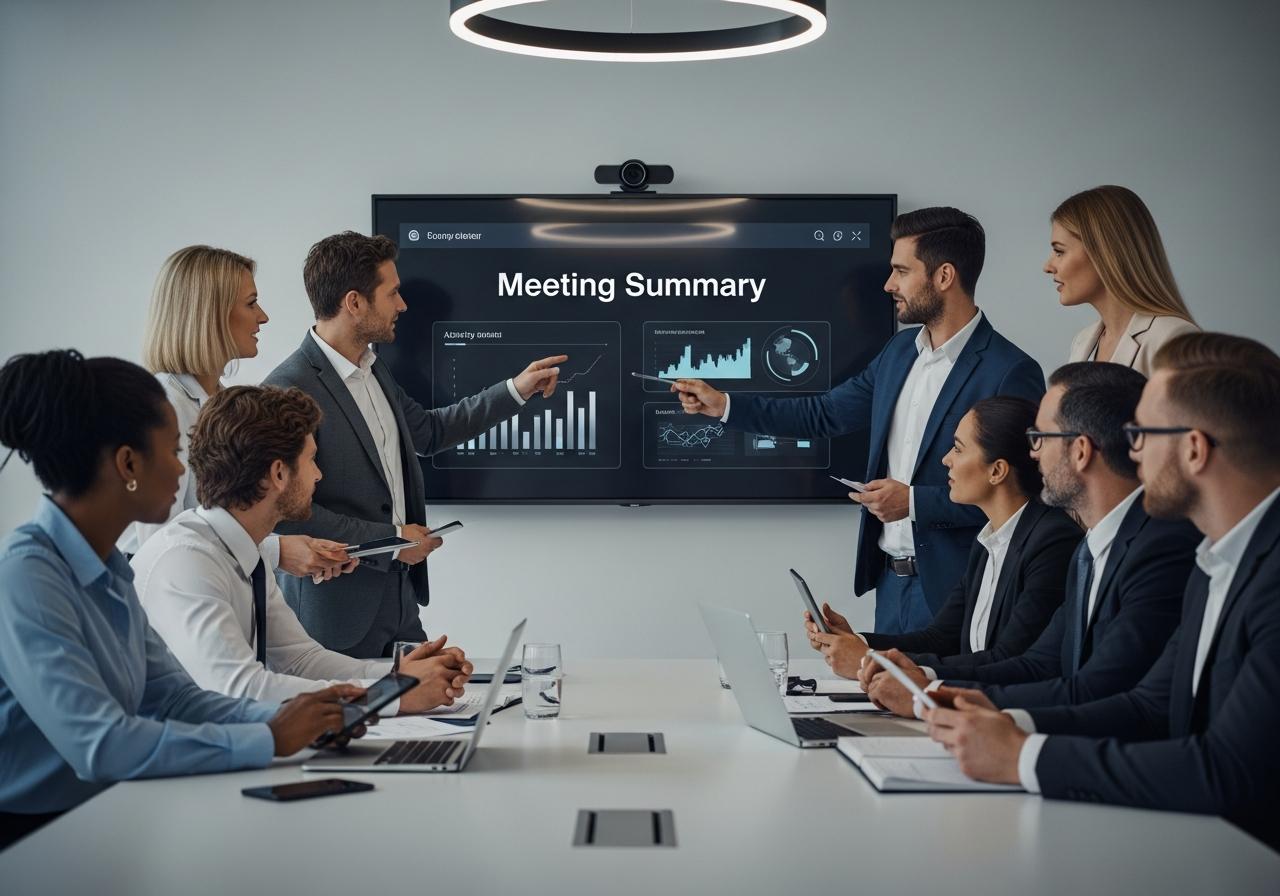
Why Manual Meeting Notes Are Holding You Back
Manual note-taking distracts from active listening and often results in incomplete records, leading to lost data and inefficient follow-ups.
The Inefficiency of Traditional Note-Taking
Trying to write down every word spoken acts as a bottleneck to productivity. The average person speaks much faster than they can type or write. Consequently, when you focus on capturing the transcript verbatim, you lose the ability to engage deeply in the conversation. At LIEN MMO, we have observed that professionals who rely on manual notes often struggle to participate effectively in brainstorming sessions because their cognitive load is entirely focused on documentation rather than innovation.
Key Information is Often Lost or Misinterpreted
Human memory is fallible, and manual notes are prone to bias and errors. When you rely solely on your own interpretation to summarize audio to text, you risk missing subtle nuances or specific technical details. Important action items can easily slip through the cracks if the note-taker is momentarily distracted. This lack of a reliable audio transcription can lead to disputes later about what was actually agreed upon during the call.
Wasted Time and Decreased Focus During Meetings
Multitasking is a myth; you cannot fully listen and write simultaneously with 100% efficiency. The time spent cleaning up messy notes after a call is another hidden cost. Instead of moving immediately to execution, knowledge workers often spend hours formatting meeting minutes. By automating this with an AI meeting assistant, you reclaim that time for high-value work.
The 7 Best AI Tools to Transcribe and Summarize Meeting Audio
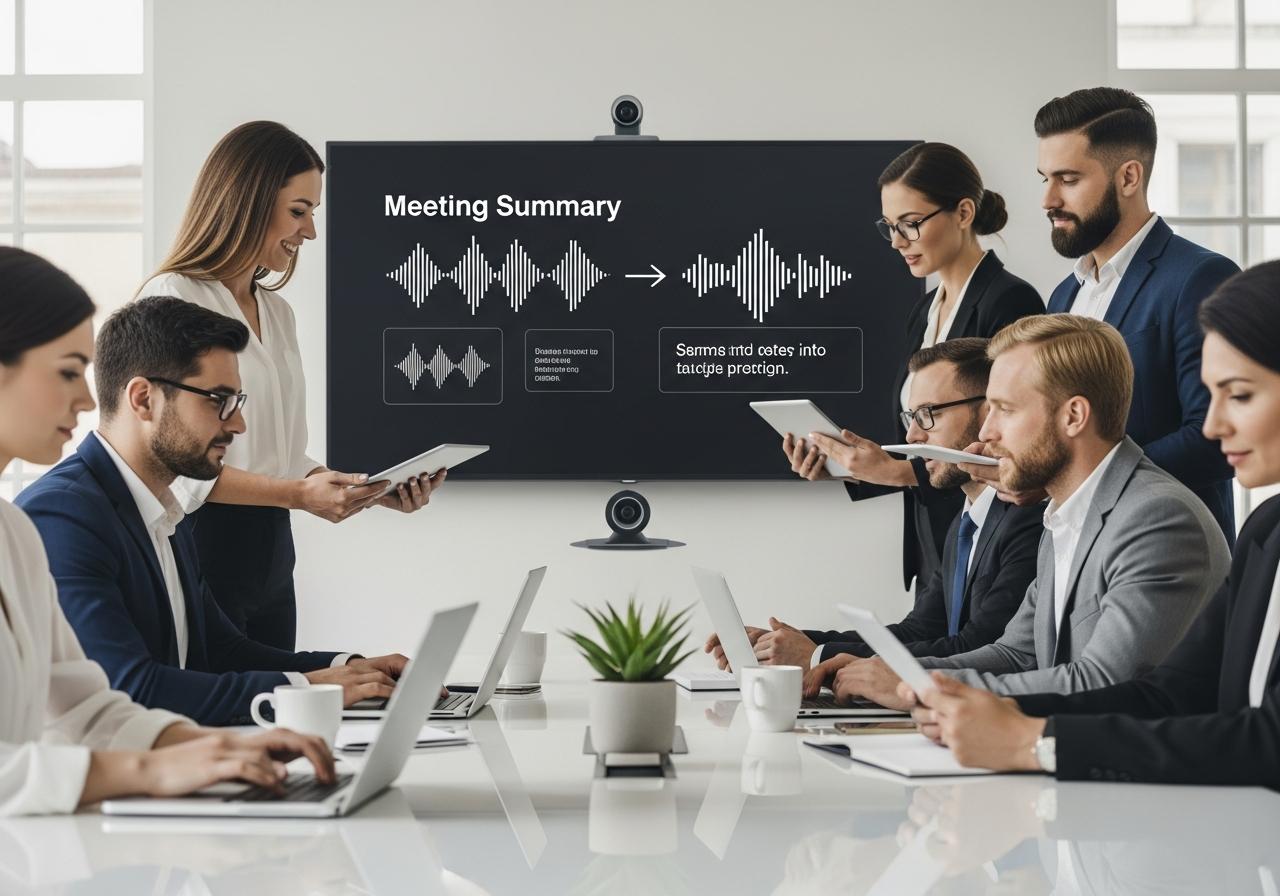
The top tools include Otter.ai, Fireflies.ai, and Fathom, each offering unique features like real-time transcription, CRM integration, and instant summarization to automate meeting notes.
1. Otter.ai – Best for Real-Time Transcription and Collaboration
Otter.ai is widely considered a pioneer in the speech-to-text space. It excels at generating real-time transcription and identifying different speakers (diarization). Otter acts as a collaborative AI meeting assistant that joins your Zoom, Google Meet, or Microsoft Teams calls to automatically record and transcribe.
- Key Feature: Its “OtterPilot” automatically captures slides and inserts them into the notes.
- Best For: Teams needing a live transcript and a searchable archive of all conversations.
2. Fireflies.ai – Best for Automated Meeting Analysis and CRM Integration
If you need to summarize audio to text ai driven with a focus on sales and workflows, Fireflies.ai is a top contender. It integrates deeply with CRMs like Salesforce and HubSpot. Its AI bot, Fred, joins meetings to record, transcribe, and analyze conversations for sentiment and key topics.
- Key Feature: “Smart Search” allows you to filter calls by action items, dates, or metrics.
- Best For: Sales teams and project management professionals requiring data-driven insights.
3. Fathom – Best for Instant Summaries and Clip Sharing on Zoom
Fathom is a favorite for those looking to transcribe meeting audio to text free (for the core personal version). It is an excellent Zoom AI companion that sits in your sidebar. When you click a button to highlight a moment, Fathom automatically summarizes that section.
- Key Feature: Instant access to the recording and transcript immediately after the call ends—no waiting time.
- Best For: Individuals and managers who want to highlight specific moments and share clips instantly without hassle.
4. Fellow – Best for Security and Integrated Meeting Workflows
Fellow focuses on the entire meeting lifecycle, from agendas to meeting minutes. While it offers robust AI-powered summaries, its strength lies in forcing teams to have structured, productive meetings. It ensures that the summarize audio to text capability is tied directly to future agenda items.
- Key Feature: collaborative agendas that sync with your calendar and the AI summary.
- Best For: Enterprise teams prioritizing data privacy and structured management workflows.
5. tl;dv – Best for Multilingual Support and Highlighting Key Moments
tl;dv (Too Long; Didn’t View) is a powerful tool that works seamlessly with Google Meet and Zoom. It is particularly strong if you need to transcribe and summarize audio free in multiple languages. It allows you to timestamp key moments during the live call, which the AI then summarizes.
- Key Feature: Strong support for over 20 languages, making it ideal for international teams.
- Best For: Product managers and user researchers who need to tag specific user feedback in recordings.
6. Notta – Best for High Accuracy Across Multiple Languages
Notta is a versatile voice recorder and transcription tool. It allows you to upload pre-recorded audio files (like WAV or MP3) or record live. If you are looking for a summarize audio free trial that handles high-accuracy file uploads, Notta is a great choice. It can even help with tasks like converting PDF to audio summary AI workflows by importing text-heavy audio discussions.
- Key Feature: extremely high accuracy in transcription for Asian languages alongside English.
- Best For: Journalists and researchers who need to summarize audio ai from interviews recorded on different devices.
7. Krisp AI – Best for Noise Cancellation and Audio Clarity
Originally known for its world-class noise cancellation, Krisp has expanded into an AI meeting assistant. It processes audio locally on your device to remove background noise and now offers a feature to generate meeting notes and summaries automatically.
- Key Feature: Voice clarity combined with summarization, ensuring the AI “hears” correctly even in noisy environments.
- Best For: Remote workers in noisy environments (cafes, shared spaces).
Comparison of Top AI Meeting Summary Tools
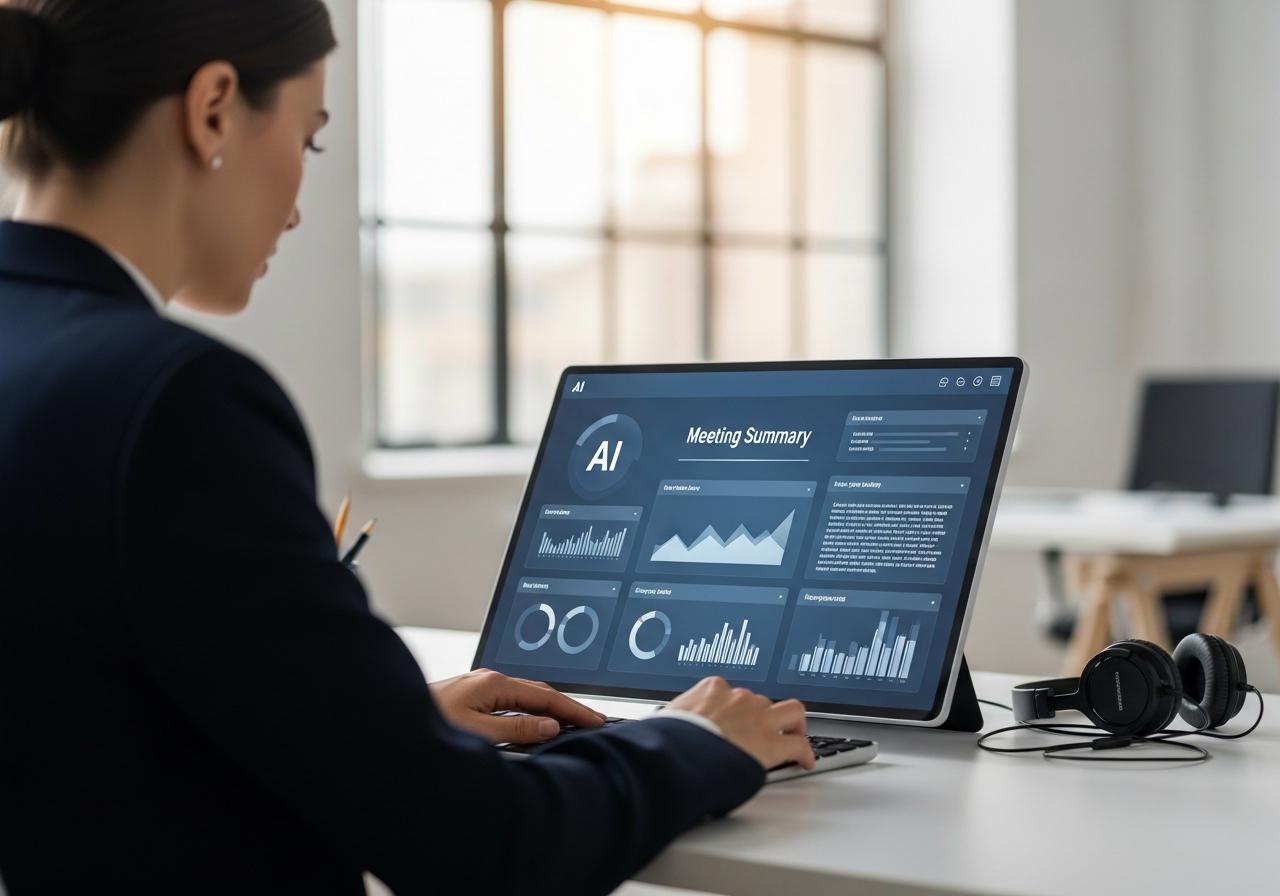
When comparing tools, consider factors like transcription accuracy, language support, integration with platforms like Zoom or Teams, and pricing models to find the best fit for your workflow.
Feature Breakdown: Accuracy, Integrations, and Pricing
To help you choose the best ai audio summarizer, we have compiled this comparison:
| Tool | Core Strength | Free Plan Availability | Best Integration |
|---|---|---|---|
| Otter.ai | Real-time English Transcription | Yes (Limited) | Zoom / G-Meet |
| Fireflies.ai | CRM & Workflow Automation | Yes (Limited) | HubSpot / Salesforce |
| Fathom | Instant Highlights | Yes (Generous) | Zoom |
| tl;dv | Multilingual & Timestamps | Yes (Generous) | Google Meet |
| Notta | File Upload & Language Support | Yes (Limited) | Audio Files / Web |
Pros and Cons of Each AI Assistant
- Otter.ai & Fireflies: Powerful but can be expensive for advanced features.
- Fathom & tl;dv: Excellent free versions to audio to text summary ai free, but enterprise features are locked behind paywalls.
- Krisp: Great for audio quality, but its summarization features are newer compared to specialized tools like Read AI or Otter.
- ChatGPT: While you can use ChatGPT record features or upload transcripts to ChatGPT, it lacks the seamless calendar integration of dedicated tools.
Which Tool is Right for Your Team?
At LIEN MMO, we recommend starting with Fathom or tl;dv if you are a freelancer or small team looking for a free solution. For larger enterprises needing deep CRM integration, Fireflies.ai is the superior choice. If your priority is handling audio files from various sources, Notta is unmatched.
How to Get Actionable Summaries from Your Meeting Audio
To get actionable summaries, select an AI tool, ensure high-quality audio recording, review the AI-generated transcript for errors, and immediately share the key insights with stakeholders.
Step 1: Choose and Set Up Your AI Tool
Select one of the tools mentioned above. Ensure it integrates with your video conferencing platforms (Zoom, Teams, etc.). Most tools require you to sync your calendar so the bot knows which meetings to join.
Step 2: Record Your Meeting Audio with High Quality
AI is only as good as the input. Use a quality microphone or a voice recorder app. If you are in a noisy place, tools like Krisp AI can filter out background noise, ensuring the speech-to-text engine receives clear audio.
Step 3: Generate and Review the AI-Powered Summary and Transcript
Once the meeting ends, the tool will generate the text. While AI-powered summaries are impressive, always quickly review them. Look for the “Action Items” section. Sometimes, digital note-taking AI might misinterpret a suggestion as a firm decision.
Don’t let the summary sit in your dashboard. Export the meeting notes to your project management tool (like Asana or Trello) or send them via email. This closes the loop and ensures workflow automation leads to actual results.
Conclusion
In today’s fast-paced work environment, leveraging AI to summarize meeting audio to text is no longer a luxury but a necessity for productivity. The tools reviewed—Otter.ai, Fireflies.ai, Fathom, and others—offer powerful features like real-time transcription, action item detection, and seamless integrations. By automating note-taking, these platforms allow teams to focus on the conversation, ensure accurate records, and streamline follow-up actions, ultimately turning discussions into tangible outcomes with greater efficiency.
At LIEN MMO, we believe that adopting these technologies is the key to staying competitive. Whether you need to automate meeting notes from audio or simply want a backup of your conversations, there is a tool on this list for you.
Have you tried any of these AI summarization tools? Share your experience in the comments below or suggest another tool that has boosted your productivity!