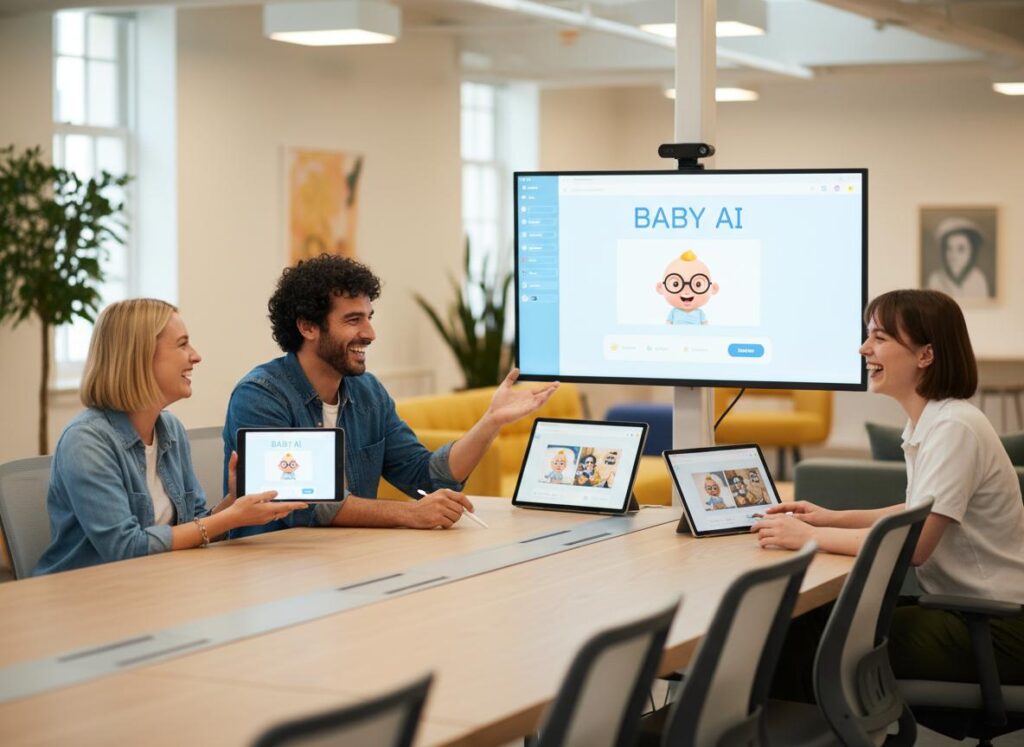
Ever seen those hilarious talking baby videos on TikTok and wondered how they’re made? Baby AI video generators are the secret, turning cute photos into viral sensations. This article unveils 5 incredibly fun and easy ways you can use these tools to create everything from a lip-syncing baby podcast to an adorable dancing star. Get ready to animate your baby photos into digital keepsakes or viral clips without any editing skills required.

Attention – What is a Baby AI Video Generator and Why is Everyone Obsessed?
Short Answer: A baby AI video generator is a software tool that uses artificial intelligence to animate static images of babies, adding movement, facial expressions, and speech to create dynamic videos.
At LIEN MMO, we have observed a massive surge in the popularity of AI-generated content on social platforms. But why are parents and creators specifically obsessed with AI baby videos? The answer lies in the perfect mix of emotional connection and entertainment value.
These tools utilize advanced image-to-video animation and facial expressions recognition technology. They map the facial landmarks of a baby boy or girl from a simple photo and manipulate them to mimic human speech or movement. This allows users to create viral content that is either incredibly touching—like bringing an old photo to life—or hilariously entertaining.
Key reasons for the obsession:
- No editing skills required: You don’t need to be a pro editor.
- Cost-effective: Many options are a free baby AI video generator or offer affordable trials.
- High Engagement: Cute babies combined with adult humor or trending audio are a recipe for viral success on Social media (TikTok, Instagram, YouTube).
Interest – 5 Fun Ways to Create Viral Baby Clips with AI
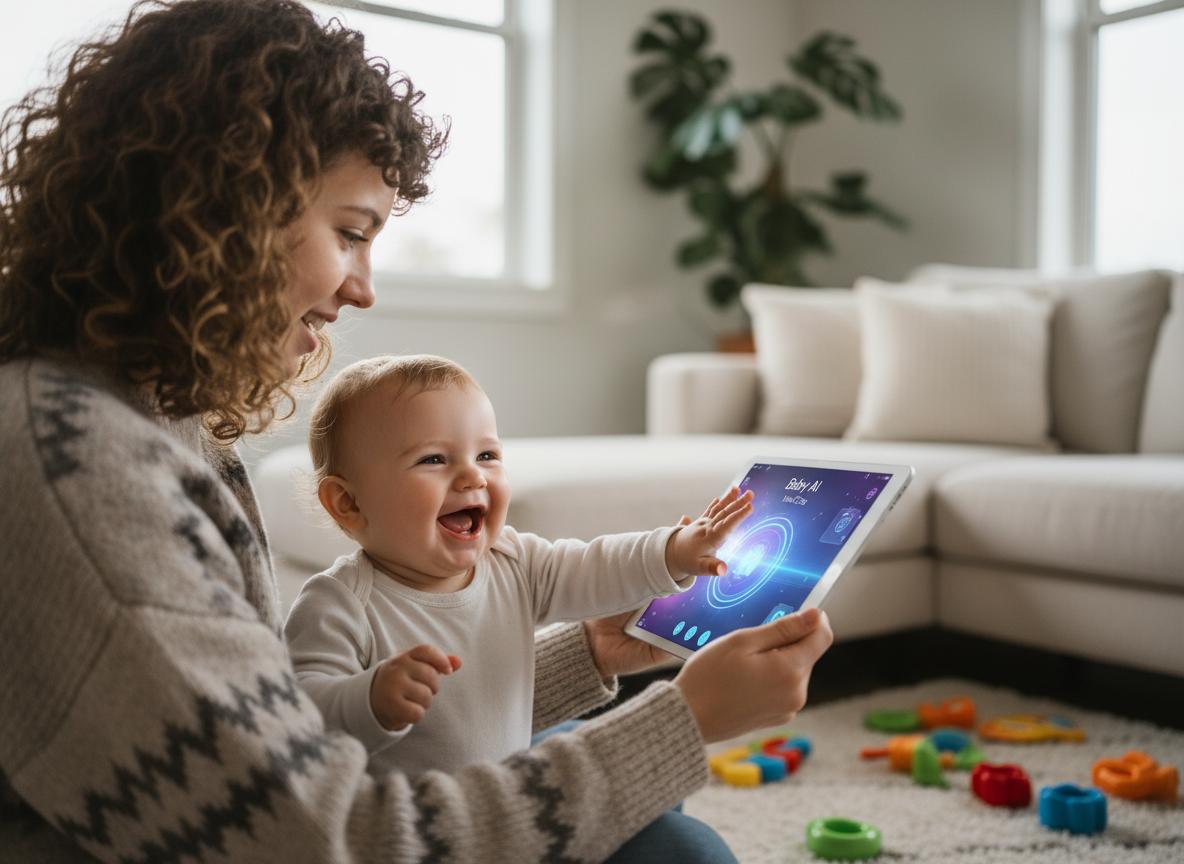
Here, we explore five creative methods to utilize these tools, ensuring you get the most out of the best AI baby video generator available.
1. Create a “Talking Baby Podcast” with Perfect Lip-Sync
Short Answer: This method involves using AI to make a baby’s mouth move in perfect synchronization with a recorded voiceover, creating the illusion that the baby is speaking complex or funny sentences.
One of the biggest trends right now is the talking baby podcast. This involves taking a static photo of a baby and using lip-sync technology to make them deliver funny monologues, “life advice,” or satirical commentary on parenting.
How it works:
You upload a photo and an audio file. The AI analyzes the audio phonemes and adjusts the baby’s lip movements (sync lips) to match the sound. Tools like Krea AI lip sync, Hedra, or Latentsync models are often referenced in the tech community for their precision.
- Tip: For the funniest results, use a deep adult voice or a trending audio clip.
- Keywords: If you are wondering lip sync la gì (what is lip sync), it is simply the process of matching lip movements with sung or spoken vocals.
- Application: Use an AI talking baby video generator to have your baby “review” their milk or complain about nap time.
2. Animate a Dancing Baby to Trending Social Media Audio
Short Answer: Utilizing body-transfer and motion-capture AI, you can take a still photo of a baby and map it onto a video of a dancer, making the baby appear to perform complex dance moves.
Remember the old “Ooga Chaka” dancing baby? AI has taken that concept to a new level. A baby dance video is a guaranteed way to stop the scroll on TikTok. Unlike simple facial animation, this requires tools capable of full-body animation or body swapping (like Viggle AI).
Why it goes viral:
- Surprise Factor: Seeing a toddler do the “Griddy” or a complex K-pop dance is unexpected and hilarious.
- Trend Integration: You can use the latest Tik Tok trending audio.
- Ease of Use: It makes you an easy baby AI video maker without needing to force your actual baby to dance.
3. Predict Your Future Baby’s Face Using Photos of Parents
Short Answer: AI algorithms analyze the facial features of two parents to generate a hyper-realistic prediction of what their future child might look like at various ages.
While not always an animation, future baby prediction videos are highly shareable. Couples love to see a baby avatar that combines their features. Advanced AI models can now take this a step further by applying age progression, showing the baby growing from an infant to a teenager in a short video clip.
- Process: Upload photos of both parents -> AI blends features -> Generates a baby AI video from photo.
- Engagement: These videos often spark conversations and tagging in comments, boosting social media reach.
4. Bring Photos to Life with Subtle AI Animation (Blinking & Smiling)
Short Answer: This method uses AI to add subtle, lifelike motions such as blinking, smiling, or head tilting to a still photo, turning it into a “Live Photo” or a moving memory.
Not every video needs to be a comedy skit. Many parents want to animate baby photos with AI to create digital keepsakes. This is particularly touching for photos of babies who have grown up, or for sending “live” greeting cards to grandparents.
Features to look for:
- Facial expressions: Natural blinking and smiling.
- High-quality output: Ensuring the video doesn’t look pixelated.
- Photo animation: Transforming a static memory into a living moment.
At LIEN MMO, we find that these subtle animations often have high retention rates because they are mesmerizing to watch.
5. Generate a Unique AI Baby Character from a Text Prompt
Short Answer: Instead of using a real photo, you use text-to-image and image-to-video AI to generate a completely fictional, adorable baby character based on your specific description.
If you are concerned about privacy and don’t want to upload your own child’s photo, you can create a viral character from scratch. Using text prompts, you can describe a “cute futuristic baby astronaut” or a “baby dinosaur,” and then animate it.
- Tools: Midjourney for the image, then an AI baby video generator online free tool to animate it.
- Concept: Create a consistent character for a YouTube channel or AI podcast video.
- Keywords: Text-to-speech combined with a generated avatar allows for limitless content creation without filming a single frame.
Desire – The Best Tools to Bring Your Baby Video Ideas to Life

To help you choose the right software, we have categorized the top tools based on our testing at LIEN MMO.
For Talking & Lip-Sync Videos: HeyGen, Lipsync.video, and Virbo
Short Answer: These are the industry leaders for high-fidelity lip-syncing and voice synthesis, perfect for creating talking baby clips.
- HeyGen: Known for incredible realism. It handles lip ai processing smoothly, ensuring the mouth moves naturally with the words.
- Virbo: A great AI talking baby video generator that offers various voices and languages.
- Omnisync / Labs: For those looking into more technical or open-source solutions like omnisync or latentsync, these offer granular control over how the sync lips process works.
For Dancing Baby Videos: Media.io, Viggle AI, and Clipfly
Short Answer: These platforms specialize in body movement and fun templates, making them ideal for creating dancing baby content.
- Viggle AI: Currently the king of meme-making. You can replace a dancer in a video with your baby’s photo. It’s fantastic for baby dance video trends.
- Media.io: Offers an AI baby video generator online free (with limitations) that includes fun video templates.
- Clipfly: An all-in-one editor that simplifies the process for humorous baby videos.
For Future Baby Predictions: Pic AI and AiDesign
Short Answer: These tools focus on facial analysis and morphing to create accurate and entertaining future baby predictions.
- Pic AI: User-friendly interface for quick results.
- AiDesign: often incorporates age progression features.
Comparison Table of Top Tools:
| Tool Category | Recommended Tool | Best Feature | Free Option? |
|---|---|---|---|
| Talking/Lip-Sync | HeyGen | Realistic lip sync | Free Trial |
| Dancing/Motion | Viggle AI | Viral body swap | Yes (Discord) |
| Prediction | Remini / Pic AI | Future baby prediction | Freemium |
Action – Your 4-Step Workflow for Creating a Viral Masterpiece
Ready to become a content creation pro? Follow this workflow to create your first video.
Step 1: Write a Hilarious Script or Find Trending Audio (Use ChatGPT for ideas)
Short Answer: The foundation of a viral video is the content. Use AI to write a script or browse TikTok for trending sounds.
Start by identifying the concept. Is it a baby boy giving financial advice? Or a singing baby covering a pop song?
- Action: Ask ChatGPT: “Write a funny 30-second script for a baby complaining about diaper prices.”
- Trend: Look for viral audio clips on TikTok to use for lip sync free challenges.
Step 2: Generate a Cute and Clear Voiceover (Use ElevenLabs for custom voices)
Short Answer: Convert your script into audio using high-quality text-to-speech tools to ensure the lip-syncing AI has clear audio to process.
A talking baby podcast needs a voice. You can use your own voice and pitch it up, or use Text-to-speech AI like ElevenLabs.
- Tip: Audio clips must be clear. Background noise creates poor lip-sync results.
- Creative idea: Use a deep, serious “movie trailer” voice for a baby video for comedic contrast.
Step 3: Animate Your Baby Photo Using Your Chosen AI Tool
Short Answer: Upload your photo and audio/script to the video generator and let the AI process the animation.
- Upload baby photo: Choose a high-resolution, front-facing photo for the best results.
- Process: Select “Photo Avatar” or “Talking Photo” mode. Upload your audio.
- Tech: The tool uses lip-sync technology to map the audio clips to the mouth movements.
- Wait: Most user-friendly tools render the video in under a minute.
Step 4: Polish Your Video with Captions and Effects (Use CapCut)
Short Answer: Enhance the raw AI video with subtitles, music, and effects to maximize engagement on social media.
Raw AI videos are good, but edited ones are better.
- Captions: Essential for Social media (TikTok, Instagram, YouTube) as many watch without sound initially.
- Effects: Add zooms or stickers.
- Share: Export and share on social media. Don’t forget to use hashtags like #AIBaby, #FunnyBaby, and #Viral.
Conclusion
Gone are the days of complex editing software. With a baby AI video generator, anyone can turn a simple photo into a delightful memory or a viral hit in minutes. From making your baby “talk” in a talking baby podcast to having them dance to the latest Tik Tok trend, these tools offer endless creative fun.
At LIEN MMO, we believe these user-friendly tools are revolutionizing how families share memories and creators make content. Whether you are looking for a free baby AI video generator for a quick laugh or a professional tool for high-quality AI podcast video production, the technology is now accessible to everyone. Now you have the ideas and the workflow to start creating charming videos that are ready to be shared and loved.
Ready to make your own viral baby video? Pick a tool from our list and bring your funniest ideas to life. Share your creation on TikTok and Instagram and watch the likes roll in!