
In today’s fast-paced digital environment, managing endless streams of information is more critical than ever. Artificial Intelligence (AI) for PDF has emerged as a game-changing technology that revolutionizes how individuals and organizations handle documents. From automating data entry to enhancing document search capabilities, AI-powered tools are reshaping the landscape of digital document management.
The evolution of AI for PDF signifies a shift from manual, time-consuming processes towards intelligent automation that improves accuracy and efficiency. Whether you’re a researcher dealing with thousands of academic papers or a business professional managing contracts and reports, AI for PDF offers comprehensive solutions that streamline workflows and unlock new possibilities in data utilization.
The Rise of AI for PDF – Transforming Traditional Document Handling
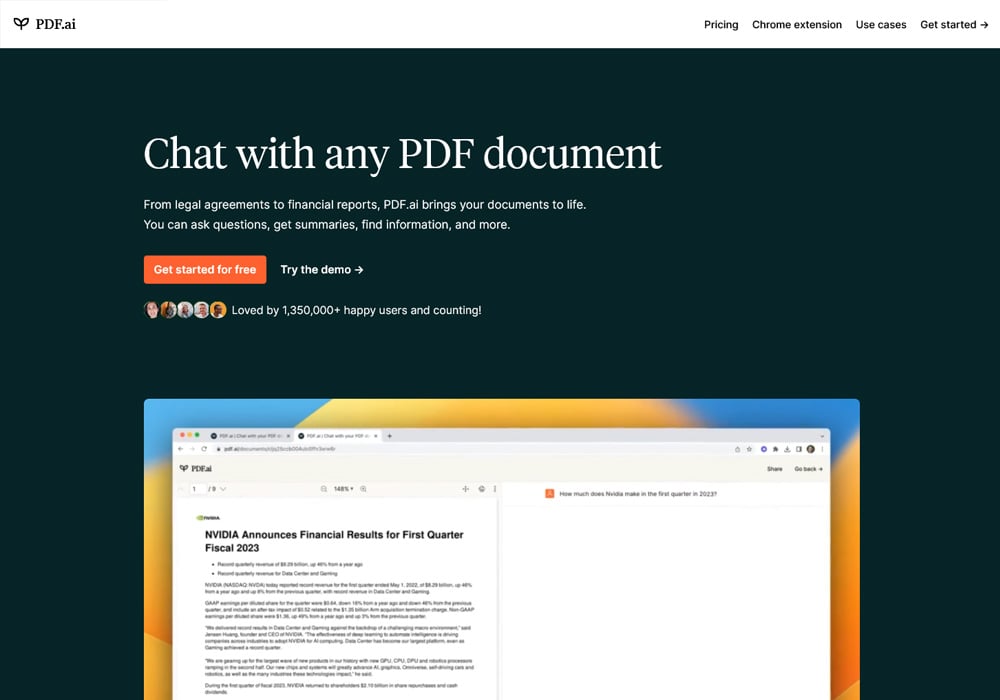
As digital content proliferates, traditional methods of managing PDFs—such as manual reading, annotation, and data extraction—are increasingly inadequate. AI for PDF introduces intelligent algorithms capable of understanding, interpreting, and manipulating document content with remarkable precision. This technological leap addresses longstanding challenges like poor data accessibility, inconsistent formatting, and labor-intensive extraction processes.
Before exploring specific applications, it’s crucial to understand how AI integrates into PDF workflows, elevating them beyond simple viewing and annotation to advanced analysis and automation.
How AI Enhances PDF Functionality
AI-powered solutions leverage machine learning models, natural language processing, and computer vision to add layers of intelligence to PDFs. These enhancements facilitate smarter search, automated extraction, and seamless conversion between formats. For example, AI can recognize text embedded in scanned images, classify document types, and even interpret complex layouts.
This integration means that what once required manual effort—like extracting relevant data from invoices or legal documents—can now be performed automatically, saving countless hours and reducing errors. The result is a dynamic environment where PDFs are no longer static files but active components in a broader data ecosystem.
Impact on Business and Academic Sectors
In the corporate world, AI for PDF accelerates contract review, compliance checks, and report generation. Automated data extraction reduces human error and accelerates decision-making cycles. Meanwhile, in academia, researchers utilize AI tools to quickly locate pertinent information across vast collections of research papers and historical archives.
These benefits extend beyond efficiency. They empower users to uncover insights previously hidden within unstructured data, thus enabling more informed decisions and innovative discoveries. As AI continues to evolve, its integration with PDFs promises even deeper levels of automation and intelligence.
Challenges and Limitations of AI for PDF
Despite its transformative potential, implementing AI for PDFs comes with challenges. Variability in document quality, complex layouts, and handwriting recognition can still pose hurdles. Moreover, privacy concerns related to sensitive data require robust security measures when deploying AI tools.
Understanding these limitations is crucial for successful adoption. Businesses and individuals must select solutions aligned with their specific needs while ensuring compliance with data protection standards. Continuous advancements are addressing many existing issues, paving the way for increasingly sophisticated AI solutions in PDF management.
Automating Data Extraction and Processing with AI for PDF
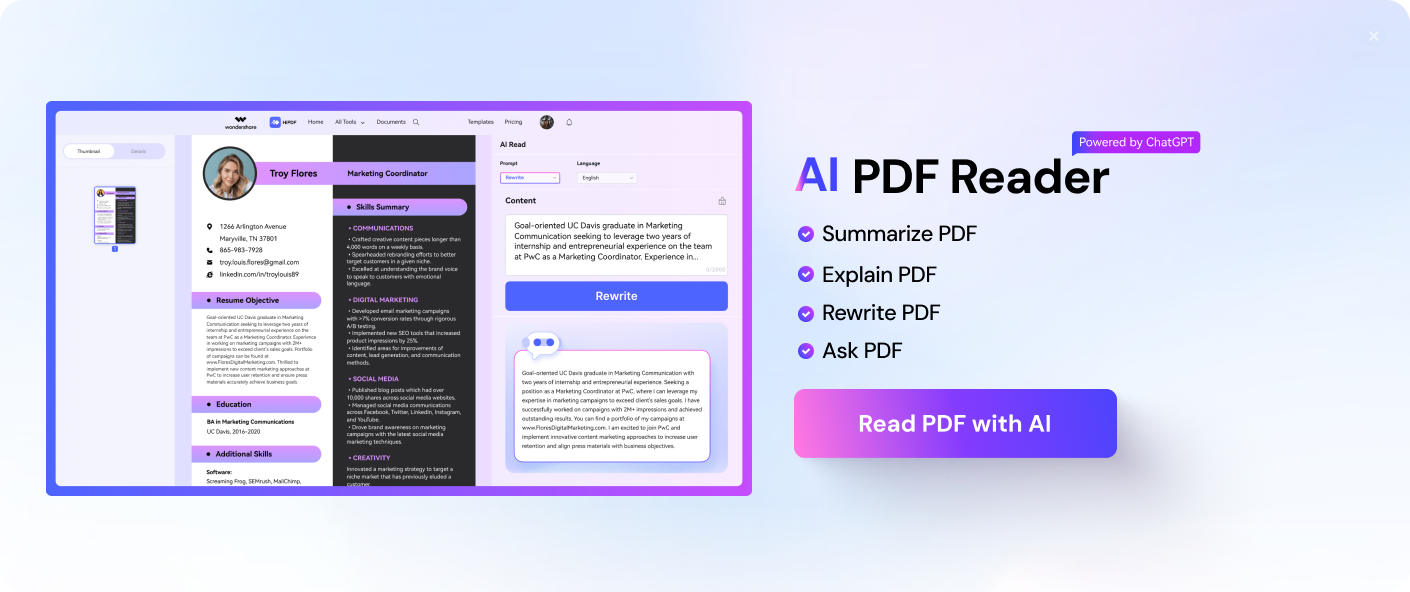
One of the most impactful applications of AI for PDF lies in automating data extraction from various document types. This capability transforms cumbersome manual processes into swift, accurate workflows, profoundly impacting industries reliant on large volumes of structured and unstructured data.
Before delving into specific techniques and tools, it’s important to comprehend the scope of automation achievable through AI-driven PDF analysis.
Techniques for Intelligent Data Extraction
AI systems utilize multiple techniques to parse and extract relevant information from PDFs:
- Optical Character Recognition (OCR): Converts scanned images and handwritten notes into machine-readable text, essential for digitizing paper-based documents.
- Natural Language Processing (NLP): Interprets contextual information, enabling extraction of entities such as names, dates, and monetary values.
- Layout Analysis: Recognizes the structure of documents, such as tables, headers, footers, and columns, to accurately identify data zones.
Each technique contributes to a comprehensive understanding of document content, allowing AI tools to perform tasks that would otherwise require intensive manual labor.
Applications in Finance, Healthcare, and Legal Fields
In finance, AI for PDF streamlines invoice processing by automatically extracting billing details, due dates, and payment terms, drastically reducing processing times and minimizing errors. In healthcare, patient records can be digitized and organized efficiently, enabling quick retrieval of critical information like medication history or diagnostic results.
Legal professionals benefit from AI by rapidly reviewing contracts and identifying key clauses, obligations, and risk factors. This automation not only speeds up legal workflows but also enhances accuracy, ensuring compliance and reducing oversight risks.
Integration with Business Workflows
For maximum impact, AI for PDF needs to seamlessly integrate with existing systems like ERP, CRM, or document management platforms. Modern AI tools offer APIs and plugins that enable smooth interoperability, allowing automatic data flows between applications.
Organizations should focus on customizing AI solutions to match their unique document formats and processing needs. Proper training and ongoing calibration are vital to maintain high accuracy levels, especially given the diversity of document types, languages, and layouts encountered in real-world scenarios.
Challenges in Automated Data Extraction
While automation offers immense advantages, obstacles like ambiguous formatting, low-quality scans, and complex document structures can hinder AI performance. Human oversight remains necessary, especially during initial deployment phases, to fine-tune algorithms and validate outputs.
Furthermore, ensuring data privacy and security during automated processing is paramount, particularly when handling confidential information. Combining AI with encryption and access controls provides a comprehensive approach to safeguarding sensitive data.
Enhancing Searchability and Accessibility of PDFs Through AI
Efficient searchability and accessibility significantly improve user experience and productivity. AI for PDF transforms static documents into intelligent repositories where information can be retrieved swiftly and accurately, regardless of document complexity or format.
Before exploring specific features, it’s important to understand why traditional PDF search methods often fall short and how AI addresses these shortcomings.
Overcoming Limitations of Traditional PDF Search
Standard search functions rely on keyword matching within text layers. This approach struggles with scanned PDFs or documents with embedded images, where text isn’t readily accessible. Additionally, complex layouts and multilingual content further complicate straightforward searches.
AI enhances search capabilities by enabling semantic understanding, which allows users to find relevant information based on context rather than mere keywords. This contextual awareness leads to more precise and relevant search results.
Natural Language Processing for Contextual Search
NLP-driven AI tools analyze the meaning behind queries and documents, facilitating conversational and intent-based searches. Users can ask natural language questions like “Show me all contracts signed after January 2022,” and the system will interpret and retrieve corresponding documents.
This level of understanding mirrors human-like comprehension, making document retrieval more intuitive and efficient. As a result, users spend less time scanning through irrelevant results and more time focusing on analysis and decision-making.
Multilingual and Cross-Document Search Capabilities
Global organizations operate across diverse linguistic landscapes. AI-powered PDF solutions incorporate multilingual NLP models that recognize and process content in multiple languages, ensuring comprehensive searchability.
Cross-document search functionality enables users to connect related information dispersed across multiple PDFs. For instance, legal teams can link clauses or references across different contracts, creating interconnected knowledge bases that enhance collaboration and consistency.
Accessibility Improvements with AI
Accessibility is a critical aspect of modern document management. AI tools help make PDFs compliant with standards like WCAG by providing features such as automatic tagging, text-to-speech conversion, and alternative text generation for images.
These functionalities ensure that visually impaired users can access content effectively. Moreover, AI-driven accessibility features enhance overall usability, fostering inclusive environments that cater to diverse needs.
Personalizing User Experience and Workflow Automation with AI for PDF
Personalization and automation are central to maximizing the benefits of AI for PDF. Tailoring workflows according to individual or organizational preferences not only boosts productivity but also enhances user satisfaction.
Before detailing specific strategies, it’s essential to recognize why personalization matters in document management.
Custom Workflows and Automation Scripts
Modern AI solutions offer customizable workflows that adapt to specific tasks. Users can create rules for document classification, tagging, and routing, automating routine tasks such as email forwarding, approval chains, or archival processes.
For example, an HR department might automate the classification of resumes, extracting candidate details and flagging suitable applicants for review. Similarly, legal teams can set rules to prioritize contracts containing certain clauses or terms.
Personalized workflows reduce manual intervention, minimize errors, and free up valuable human resources for higher-value activities.
Machine Learning for Adaptive Behavior
Machine learning models learn from user interactions and feedback, improving over time. This adaptive behavior ensures that AI tools become more aligned with user preferences, leading to more accurate data extraction, better categorization, and relevant search results.
By analyzing past actions, AI can suggest next steps, automate repetitive tasks, and even predict upcoming needs. For instance, a financial analyst might receive automated updates on key metrics extracted from quarterly reports, customized to their focus areas.
Integration with Other Enterprise Systems
Seamless integration with enterprise applications maximizes workflow automation. AI for PDF can connect with cloud storage, communication tools, and data analytics platforms, creating a unified environment.
Imagine receiving real-time alerts about contract expirations directly within your project management software, or automatically updating a CRM database with extracted client information from proposals. These integrations streamline operations and foster data-driven decision-making.
Ensuring Security and Compliance
Automation and personalization should go hand-in-hand with security considerations. Sensitive documents demand strict access controls, audit trails, and encryption. AI solutions need to incorporate these features without sacrificing usability.
Compliance with data privacy regulations like GDPR or HIPAA requires careful management of how AI processes personal or confidential information. Employing anonymization techniques and secure data pipelines assures stakeholders of responsible AI usage.
FAQs About AI for PDF – Your Questions Answered
What is AI for PDF?
AI for PDF refers to the use of artificial intelligence technologies—such as machine learning, natural language processing, and computer vision—to enhance, automate, and analyze PDF documents. It transforms static files into dynamic, intelligent data sources capable of extraction, classification, search, and automation.
How does AI improve PDF data extraction?
AI improves PDF data extraction by intelligently recognizing text within scanned images, understanding document layouts, and interpreting context. Techniques like OCR, NLP, and layout analysis work together to accurately extract relevant information, reducing manual effort and errors.
Can AI for PDF handle handwritten documents?
Yes, advanced AI solutions equipped with handwriting recognition capabilities can interpret handwritten content. While recognition accuracy varies depending on handwriting quality and style, ongoing developments continue to improve performance in this area.
Is AI for PDF suitable for small businesses?
Absolutely. Many AI for PDF tools offer scalable solutions suitable for small businesses, helping them automate routine tasks, improve data accuracy, and streamline workflows without requiring extensive technical expertise.
What are the security considerations when using AI for PDF?
Security considerations include protecting sensitive data during processing, ensuring compliance with privacy laws, and implementing access controls. Reputable AI providers incorporate encryption, secure storage, and audit logging to safeguard information.
Video
Conclusion
AI for PDF stands at the forefront of transforming how we manage, analyze, and utilize digital documents. Its capabilities—from automating data extraction and enhancing search functionalities to enabling personalized workflows—offer unparalleled efficiencies that redefine productivity standards across industries. As technological advancements continue, AI’s role in making PDFs smarter, more accessible, and deeply integrated into enterprise ecosystems will only grow, heralding a new era of intelligent document management.