
Effortlessly create professional-grade videos in minutes with VideoGen. This powerful tool simplifies the video production process, making it accessible to everyone, from content creators to businesses. Discover how to transform your ideas into stunning visual stories with just a few clicks, eliminating the need for complex editing skills or expensive software. This guide will walk you through five simple steps to get you started.

Understanding VideoGen’s Core Features for Effortless Video Creation
VideoGen combines AI-driven text-to-video technology with a massive stock library to automate content creation for marketers and creators.
To truly understand how to use VideoGen AI effectively, it is essential to grasp the engine powering this tool. Unlike traditional editing software that requires manual clip selection, VideoGen operates as an intelligent video generator. At LIEN MMO, we have observed that understanding these core features first significantly speeds up the workflow for our readers.
Automated Video Generation from Text, URLs, and Media
The platform instantly converts scripts, blog posts, or website URLs into engaging video sequences using intelligent scene matching.
The standout feature of this AI video generator is its ability to understand context. Whether you are looking to làm video (make video) from a simple text prompt or repurpose an existing blog post, the AI analyzes your input and automatically retrieves relevant footage.
- Text to Video: Type a prompt, and the AI builds the scene.
- URL to Video: Perfect for content marketing, turning articles into social clips.
- Efficiency: Drastically reduces the hours spent searching for stock media.
This automation is what makes easy AI video creation possible for busy entrepreneurs.
AI-Powered Scripting and Realistic Voiceovers in Multiple Languages
Access advanced LLMs for scriptwriting and realistic AI voiceovers in various languages to reach a global audience.
VideoGen integrates with top-tier voice synthesis technology (often comparable to ElevenLabs) to provide AI voiceovers that sound human and engaging. For creators targeting a global market, the multilingual support is a game-changer.
- Script Generation: Stuck on ideas? The AI helps write the script for you.
- Digital Avatars & Voices: While primarily focused on stock footage, the voice quality drives the narrative.
- Global Reach: Create content in English, Spanish, Vietnamese, and more without hiring voice actors.
Customizable Branding and a Rich Stock Media Library
Maintain brand identity with custom logos and colors while utilizing millions of royalty-free stock assets.
For VideoGen business users, consistency is key. The platform allows you to save your brand identity elements, ensuring every output looks professional.
- Stock Media: Access millions of copyright-free clips and images.
- Customization: Upload your logo and set default fonts.
- Professional Video: The output looks like it was made by a human editor.
A Step-by-Step Guide to Your First Professional Video
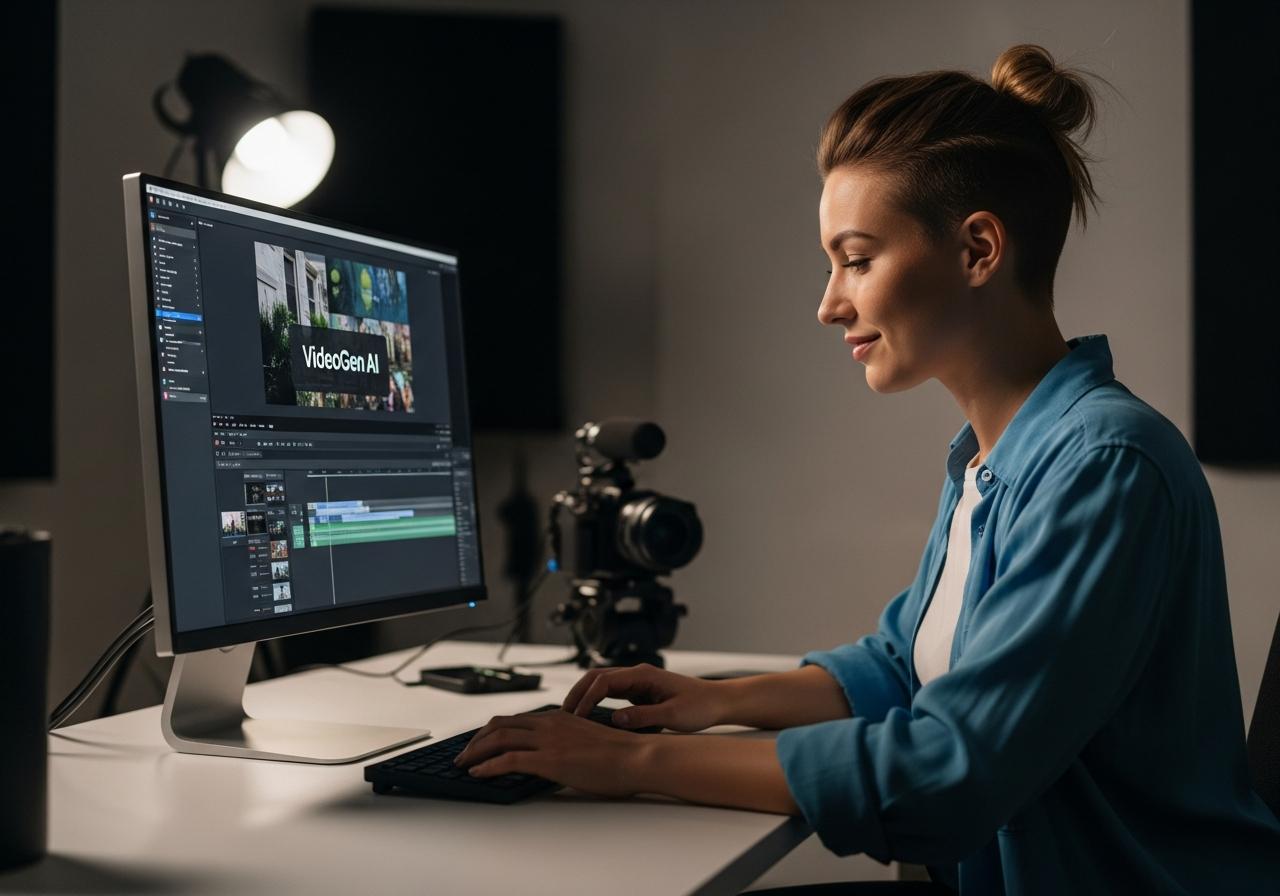
Follow this streamlined five-step process to go from a raw concept to a polished, publishable video in under 10 minutes.
Ready to create? Here is the specific VideoGen tutorial you need. These are the exact VideoGen steps to create video content that converts.
Step 1: Input Your Core Idea or Content
Start by entering your topic, pasting a script, or providing a URL for the AI to analyze.
The first interface you will see is the input area. You have flexibility here:
- Topic Mode: Just type “Benefits of Yoga” and let the AI write the script.
- Script Mode: Paste your pre-written marketing copy.
- Link Mode: Paste a URL to an article.
Tip from LIEN MMO: The quality of the input determines the quality of the output. Be specific with your prompts to get the best AI generated results.
Step 2: Customize the Visuals and Branding
Select your preferred aspect ratio (vertical for TikTok, horizontal for YouTube) and apply your brand’s color palette.
Before generating, define where this video will live.
- YouTube: Select 16:9 landscape.
- Social Media Content (TikTok/Reels/Shorts): Select 9:16 vertical.
- Brand Kit: Ensure your colors are selected so the text overlays match your brand.
This step ensures your videos are optimized for the specific platform you are targeting.
Step 3: Select and Refine the AI-Generated Script and Voiceover
Choose a voice that fits your tone and edit the AI-generated script for accuracy and flow.
Once the AI processes your input, it presents a script. Do not just accept it blindly.
- Review: Read through to ensure facts are correct.
- Voice Selection: Choose a voice that matches the emotion (e.g., energetic for ads, calm for explainer videos).
- Adjust: You can edit the text, and the AI voiceovers will regenerate instantly.
Step 4: Fine-Tune with the Online Editor
Swap out specific stock clips, adjust timing, and add captions using the intuitive built-in editor.
This is where VideoGen features for content creators shine. If the AI picked a clip of a dog when you mentioned a “loyal friend” but you wanted a human, you can swap it easily.
- Search & Swap: Click a clip, search the library, and replace it.
- Caption Styles: Change the font and animation of subtitles.
- Editing: This online video maker interface is much simpler than traditional tools like Premiere Pro.
Render your final project in high definition and download it for immediate upload to your social platforms.
Once satisfied, hit the render button.
- Tải VideoGen output: Download the MP4 file to your device.
- High-Quality Video: Ensure you export in 1080p for the best viewing experience.
- Publish: Upload directly to your channels.
Evaluating the Pros and Cons of VideoGen AI
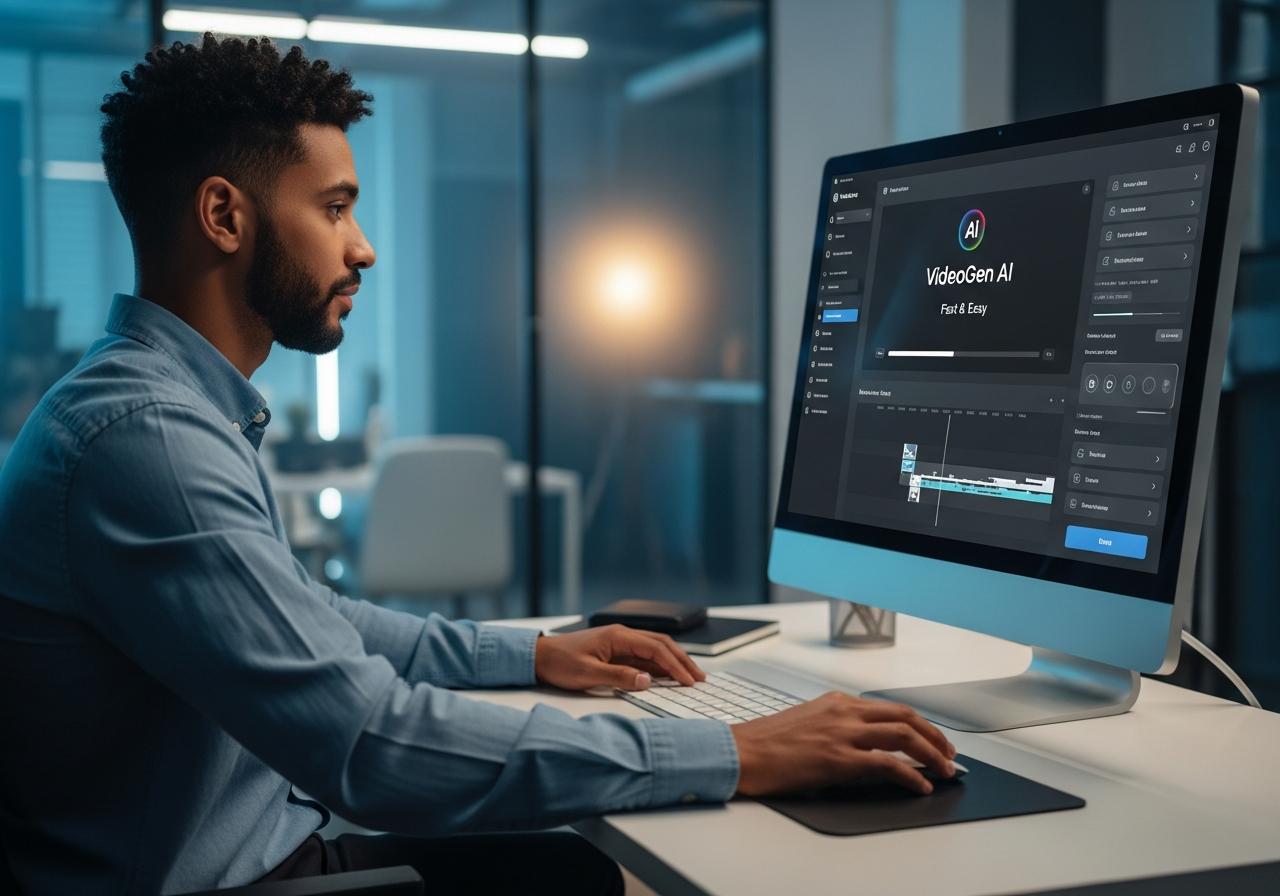
While VideoGen offers unmatched speed, it trades some granular editing control for automation and ease of use.
As an objective review by LIEN MMO, we believe in transparency. Is this tool right for you?
Advantages: Speed, Simplicity, and Cost-Effectiveness
Users save hours of work and significant budget compared to traditional production methods.
- Make professional videos with AI fast: What takes hours manually takes minutes here.
- User-friendly: No steep learning curve.
- Cost: Much cheaper than hiring an editor or buying stock subscriptions separately.
- Videogen Free trial: There is a free tier to test the waters (though usually watermarked).
Disadvantages: Limitations in Advanced Customization
Professional editors may find the lack of timeline-based keyframe editing restrictive for complex projects.
- Complex Editing: You cannot do complex visual effects or precise keyframing.
- Creativity: It relies on stock footage, so it may not be suitable if you need to film specific physical products.
- Mobile: While you can access the site via mobile, there is no dedicated app videogen or videogen apk for native mobile editing yet; it is browser-based.
VideoGen Pricing and a Look at the Competition
VideoGen offers tiered pricing suitable for beginners to enterprises, competing closely with tools like InVideo and Pictory.
Choosing the right plan is crucial for ROI. Here is a breakdown of VideoGen pricing plans and VideoGen alternatives comparison.
Breakdown of VideoGen’s Pro, Business, and Enterprise Plans
Plans range from a free trial to high-volume business subscriptions, catering to different monthly video output needs.
- Free Plan: Good for testing. Often restricted features or watermarks.
- VideoGen Pro: Ideal for individual creators. Includes a set number of credits/minutes per month.
- VideoGen Business: For agencies needing high volume.
- Enterprise: Custom solutions.
Warning: Users searching for “videogen crack” or “videogen giá rẻ” via unofficial channels should be wary. Cracked software often contains malware and lacks the cloud-server connection required for the AI to function. We always recommend using the official version to ensure data safety and video quality.
How VideoGen Compares to Alternatives like InVideo and Pictory
VideoGen excels in speed, while InVideo offers more templates and Pictory specializes in long-form content summarization.
| Feature | VideoGen | InVideo AI | Pictory |
|---|---|---|---|
| Primary Strength | Speed & Simplicity | Templates & Control | Long-form to Short |
| Learning Curve | Very Low | Medium | Low |
| Stock Library | Extensive | Extensive | Extensive |
| Best For | Text to video AI for marketing | Detailed Video Editing | Repurposing Zoom/Podcasts |
VideoGen is often the winner for those who prioritize efficiency and automation over granular control.
Conclusion
VideoGen AI emerges as a leading solution for fast and easy video creation, empowering users to produce high-quality content without a steep learning curve. Its intuitive interface, coupled with powerful AI features, makes it an invaluable asset for marketers, educators, and creators looking to scale their video output. While it may not offer the granular control of traditional editing software, its benefits in efficiency and accessibility are undeniable.
At LIEN MMO, we have tested many tools, and we find VideoGen to be one of the most streamlined “text-to-video” experiences available today. Whether you are doing marketing for a small business or building a YouTube channel, this tool can save you massive amounts of time.
Ready to revolutionize your video content? Try VideoGen AI today and start creating professional videos in minutes!