

[Sapo: Tired of spending countless hours and a small fortune on professional video production? VideoGen AI is the game-changing solution that lets you create stunning, high-quality videos in minutes, even with zero editing skills. This article unveils the top 10 features that empower you to go from a simple idea to a fully finished video faster than ever before, transforming your content strategy for social media, marketing, and beyond.]
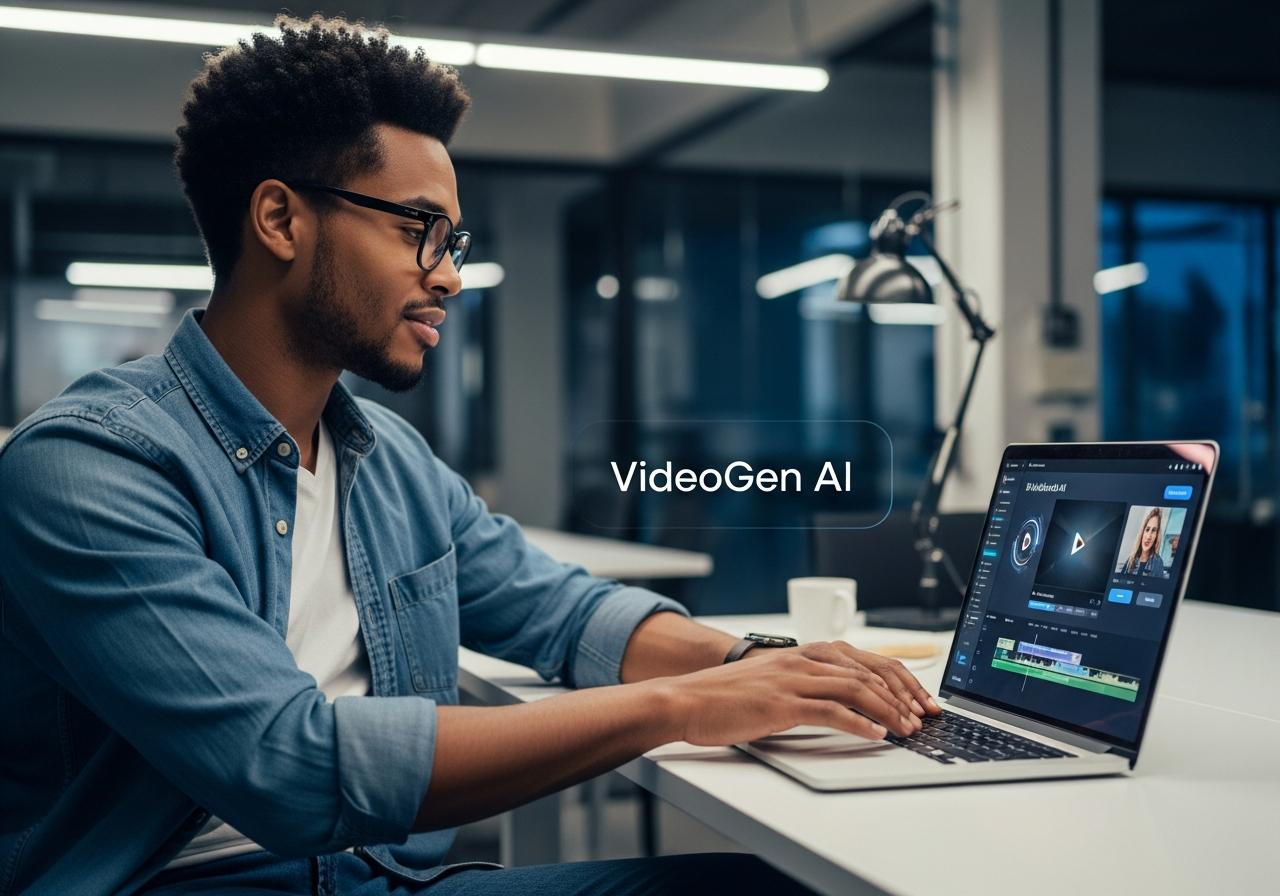
What is VideoGen AI and Why Is It a Must-Have for Creators?
Answer: VideoGen AI is an advanced video generation platform that uses artificial intelligence to automatically convert text into professional videos by matching your script with relevant stock footage, voiceovers, and subtitles. It is essential for creators because it reduces video production time from days to minutes.
At LIEN MMO, we have tested numerous AI video tools, and VideoGen AI stands out for its specific focus on “B-roll automation.” Unlike tools that generate weird, morphing AI animations, VideoGen aggregates millions of royalty-free stock clips to create realistic, business-ready content.
Go From Idea to Viral Video in Minutes, Not Days
In the traditional workflow, producing a 3-minute video involves scriptwriting, storyboard creation, filming (or searching for stock footage), recording voiceovers, and hours of editing. VideoGen AI compresses this entire workflow into a single click. By analyzing your text, the AI understands the context and retrieves the most relevant visuals instantly.
Slash Your Production Budget Without Sacrificing Quality
Hiring a video editor or buying individual stock footage licenses can cost hundreds of dollars per project. VideoGen AI offers a cost-effective alternative by bundling unlimited video creation and access to premium stock libraries (like Pexels and Storyblocks) into a monthly subscription. This allows small business owners to maintain a high output of marketing videos without breaking the bank.
No Experience? No Problem: An Interface Built for Beginners
One of the biggest barriers to entry for digital content creators is the complexity of software like Adobe Premiere or DaVinci Resolve. VideoGen AI removes this barrier entirely. If you can write an email, you can create a video. The dashboard is intuitive, requiring only a simple text prompt to start the video production process.
10 Killer VideoGen AI Features To Create Pro Videos Fast

Answer: The 10 key features include an AI script generator, text-to-video conversion, professional AI voiceovers, digital avatars, automated editing, a massive stock footage library, customizable templates, social media formatting, multilingual support, and branding integration.
1. AI Script Generator: Instantly Defeat Writer’s Block
The foundation of any great video is the script. VideoGen AI integrates advanced Large Language Models (LLMs) similar to ChatGPT directly into the editor. You don’t need to come prepared with a full script. Simply type a topic like “5 benefits of yoga for beginners,” and the AI script generator will produce a structured, engaging script complete with an intro, body, and conclusion optimized for viewer retention.
2. Text-to-Video AI: Turn Your Words into Dynamic Scenes
This is the core engine of VideoGen. Once your script is ready, the text to video AI feature analyzes every sentence to understand the keywords and sentiment. It then searches its database of over 3 million assets to find the perfect video clip for each scene.
- Contextual Understanding: If your script mentions “financial growth,” the AI might select a clip of a rising graph or a busy office.
- Seamless Flow: It automatically arranges these clips on a timeline, saving you hours of manual searching and placing.
3. AI Voiceovers: Get a Professional Narrator in Any Language
Bad audio ruins good video. VideoGen AI solves this with its AI voiceover video generator. It offers a library of over 150+ hyper-realistic voices that sound indistinguishable from human narrators.
- Variety: Choose from deep, authoritative voices for business pitches or energetic, cheerful voices for social media content.
- Cost-Savings: No need to hire expensive voice actors or buy recording equipment.
4. Digital Avatars: Add a Human Touch Without a Camera
Recent updates to VideoGen have introduced digital avatars (available on higher-tier plans). This feature allows you to use a realistic AI presenter to deliver your message. This is particularly useful for:
- Explainer videos where a “face” builds trust.
- Training videos that require a consistent presenter.
- Note: While not as customization-heavy as dedicated avatar tools, VideoGen’s integration allows you to combine avatars with B-roll seamlessly.
5. Automated Editing: Let AI Handle the Cuts and Transitions
VideoGen doesn’t just place clips; it edits them. The AI video editor automatically syncs the visual cuts with the voiceover pacing. It also adds:
- Auto-Captions: Essential for social media where many users watch without sound. The captions are accurate and stylish.
- Background Music: The AI selects a background track that matches the mood of your script and automatically “ducks” (lowers volume) when the voiceover is speaking.
6. Vast Stock Footage Library: Find the Perfect Clip, Instantly
You gain access to a royalty-free library containing millions of high-quality videos and images.
| Asset Type | Source Quality | Benefit |
|---|---|---|
| Video Clips | 4K / HD | Professional look, no pixelation. |
| Images | High Res | Great for static overlays or slide-style videos. |
| Copyright | Royalty-Free | Safe for YouTube monetization and ads. |
7. Customizable Templates: Achieve a Polished Look in Seconds
To ensure your videos don’t look generic, VideoGen provides templates designed for various industries. Whether you are in real estate, health, or marketing online, there is a pre-set style that defines your font, caption style, and transition effects. This ensures consistency across all your videos.
8. AI-Powered Social Media Formatting: Optimize for Any Platform
Different platforms require different aspect ratios. VideoGen AI allows you to switch formats with a single click:
- 9:16 (Vertical): Perfect for TikTok, Instagram Reels, and YouTube Shorts.
- 16:9 (Horizontal): Ideal for traditional YouTube videos and presentations.
- 1:1 (Square): Optimized for Facebook and LinkedIn feeds.
The AI automatically re-centers the footage to ensure the main subject remains visible in the new format.
9. Multilingual Support: Localize Your Content for a Global Audience
Expanding your reach is easy with multilingual support. You can translate your video script and generate voiceovers in over 40 languages, including Spanish, French, German, and more. This is a powerful feature for business owners looking to enter international markets without hiring translation teams.
10. Branding Integration: Keep Your Videos On-Brand, Every Time
For marketing professionals, brand consistency is non-negotiable. VideoGen allows you to upload your:
- Logo: Automatically placed as a watermark.
- Brand Colors: Applied to captions and text overlays.
- Custom Fonts: Ensuring your video text matches your website and other assets.
Is VideoGen AI Right for You? (Use Cases and Benefits)

Answer: VideoGen AI is ideal for marketers, business owners, and educators who need to produce high volumes of informational or promotional content quickly. It is best suited for “faceless” channels, explainer videos, and social media ads.
For Marketing Professionals: Create High-Converting Video Ads Fast
Speed is critical in marketing online. With VideoGen, you can A/B test different ad scripts by generating multiple variations of a video in minutes.
- Benefit: Rapidly test hooks and calls to action (CTA) to maximize ROI.
- Application: Create “Top 5 Reasons to Buy” videos or product showcases using stock footage.
For Business Owners: Produce Engaging Explainer and Training Videos
Small businesses often lack a dedicated video team. VideoGen serves as your AI video production process partner.
- Benefit: Turn your blog posts or FAQs into engaging video content for your website.
- Application: Internal onboarding videos or customer support tutorials.
For Content Creators: Scale Your YouTube and Social Media Output
Consistency is key to growing on YouTube and TikTok.
- Benefit: Automate the creation of “Cash Cow” channel content (faceless videos) using VideoGen AI use cases.
- Application: Educational listicles, history facts, or news summaries.
- Note on “videogen ai mod apk” or “videogen crack”: We strongly advise against searching for cracked versions. These often contain malware and lack the cloud-based processing power required for AI rendering. The official videogen miễn phí (free tier) or affordable paid plans are the only safe ways to use the tool.
Your Quick-Start Guide: Generate a Video in 3 Simple Steps
Answer: To generate a video, simply enter your topic or script into the AI prompt, review and customize the selected footage and voiceover, and finally export the video in your desired format.
At LIEN MMO, we believe in actionable advice. Here is how you can use VideoGen AI today:
- Input Your Idea: Open the dashboard and type your video topic or paste an existing script. Select your target aspect ratio (e.g., Vertical for TikTok).
- Review and Refine: The AI will generate the video with voiceover and subtitles. Watch through it. If a specific clip doesn’t match your vision, click on it to swap it instantly from the stock library.
- Export and Share: Once satisfied, click export. You can download the file or share it directly to your social platforms.
Conclusion
As you’ve seen, VideoGen AI removes the traditional barriers to video creation. Its powerful suite of AI-driven features for scriptwriting, voiceover, and automated editing makes it the ultimate tool for producing professional content at scale. By leveraging this technology, you can save invaluable time, reduce costs, and elevate your brand’s presence across all digital platforms, regardless of your technical experience.
Whether you are looking for a VideoGen AI alternative or ready to commit, the efficiency of this tool is undeniable. It empowers you to focus on the message while the AI handles the heavy lifting of production.
Ready to revolutionize your video production process? Click here to try VideoGen AI for free and create your first professional video in under 5 minutes!


