

In the ever-evolving landscape of digital content, the ability to transform static images into dynamic, engaging videos is a game-changer. For content creators, marketers, and business owners, video is no longer a luxury—it is a necessity. However, professional video production often comes with high costs and a steep learning curve. This article dives into the top 5 free image to video AI generator unlimited tools that offer stunning creations without intrusive watermarks. At LIEN MMO, we have tested numerous platforms to bring you tools perfect for enhancing your visual storytelling, allowing you to produce high-quality, animated videos effortlessly and at no cost, elevating your presence on any digital platform.

Why Use an AI Image to Video Generator?
Answer: AI image-to-video generators save significant time and money by automating the animation process, allowing creators to produce professional-grade visual content from static assets instantly.
Benefits for Content Creators and Marketers
Answer: These tools drastically reduce production costs and turnaround time, enabling high-frequency posting schedules that boost audience engagement and ROI.
In our experience at LIEN MMO, the primary hurdle for many small businesses and independent content creators is the “content treadmill”—the constant need for fresh material. An unlimited AI image to video converter solves this by repurposing existing assets. Instead of letting a high-quality product photo sit static on Instagram, you can transform it into a dynamic clip that grabs attention.
- Increased Engagement: Algorithms on platforms like TikTok, Instagram Reels, and YouTube Shorts heavily favor video content over static images.
- Cost Efficiency: You eliminate the need for expensive animation studios or complex software like After Effects.
- Storytelling: Motion transitions and visual effects help convey emotions and narratives that a single JPG or PNG cannot.
Key Features to Look For: No Watermark, Unlimited Use, and High Resolution
Answer: Essential features include the ability to download videos without branding (no watermark), generous usage limits (unlimited), and support for high-definition output (HD/4K).
When searching for a free online image to video AI tool, it is crucial to read the fine print. Many tools claim to be free but slap a giant watermark across your work, rendering it unusable for professional social media content.
- No Watermark: This is non-negotiable for professional branding. A clean video builds trust.
- Unlimited Generation: Look for tools that don’t restrict you to 1 or 2 videos per day. You need the freedom to experiment with different video prompts.
- High Resolution: Ensure the output is at least 720p or 1080p. Blurry videos damage your brand’s reputation.
- Format Support: The ability to import JPG, PNG and export in universal formats like MP4.
1. EaseMate AI: The Truly Free and Unlimited Solution
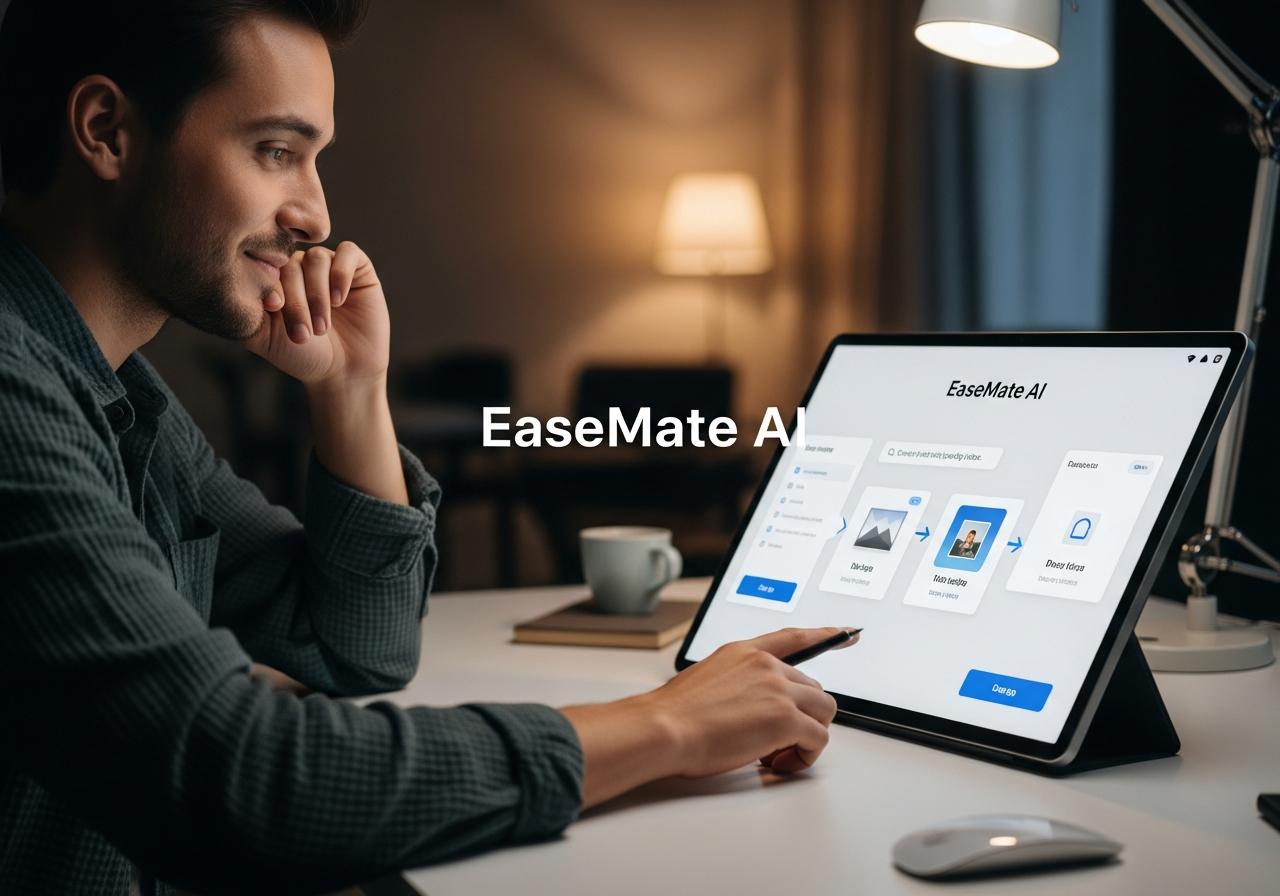
Answer: EaseMate AI stands out as a top contender by offering access to powerful models like Kling and Veo 3 with no sign-up barriers and completely watermark-free downloads.
Core Features: Multiple AI Models (Kling, Veo 3), No Sign-Up Required, Watermark-Free Downloads
Answer: EaseMate aggregates advanced open-source and beta-access models, allowing users to generate videos without creating an account or paying for subscriptions.
EaseMate AI has quickly become a favorite in the gen image ai community. Unlike competitors that require credit card details upfront, EaseMate often operates on a model that leverages open access to powerful engines like Kling and Veo 3. This allows for image to video AI without limits during their promotional or beta phases.
- Zero Barrier to Entry: You don’t need to register, which is perfect for users concerned about privacy or spam.
- High-Fidelity Animation: The underlying models are capable of understanding complex depth maps, ensuring that when you animate a person walking or a car moving, the physics look realistic.
- Pure Output: The downloaded files are clean, making them immediate assets for your marketing campaigns.
How to Turn Photos into Videos with EaseMate AI
Answer: Simply upload your image, select your preferred AI model, describe the desired motion in the prompt box, and hit generate to receive a video in minutes.
We have found the workflow to be incredibly intuitive, even for those with zero video editing skills:
- Upload: Drag and drop your JPG or PNG file into the designated area.
- Prompting: This is crucial. Instead of just clicking “generate,” add a video prompt like “camera pans right, leaves rustling in the wind, cinematic lighting.”
- Model Selection: Choose ‘Kling’ for realistic motion or ‘Veo’ for more artistic interpretations.
- Download: Once processed, click the download button. No credits, no payment wall.
Answer: EaseMate is best suited for rapid content creation for TikTok or Instagram Stories where speed and quantity are as important as quality.
If you are testing a new product concept or just want to make a meme for social media content, EaseMate is your go-to. It’s also excellent for LSI keywords context like ai art enthusiasts who want to breathe life into their al drawing (AI drawing) creations without spending money on tools like Mage Space or 1 Mage Space subscriptions.
2. MindVideo AI: Quality and Customization for Free
Answer: MindVideo AI excels in producing high-definition videos with extensive customization options, including templates and text-to-video capabilities.
Core Features: 4K Resolution Support, Versatile Templates, Voiceover and Narration Tools
Answer: This tool offers professional-grade 4K output, pre-designed templates for various industries, and integrated AI voiceover features for complete video production.
MindVideo AI positions itself as a robust AI video maker from images free of the typical quality constraints. While many free tools cap resolution at 720p, MindVideo often allows for higher resolution outputs which are essential for YouTube or desktop viewing.
- Templates: They offer a library of templates tailored for e-commerce, education, and real estate.
- Audio Integration: You can add voiceovers and narration directly within the platform, syncing them with the talking photos or animated scenes.
- Customization: Adjust the video duration, resolution, and aspect ratio to fit different digital platforms.
Step-by-Step: Creating Your First Animated Video
Answer: Choose a template or upload an image, customize the animation path, add background music or voiceover, and export in high definition.
To get the most out of MindVideo:
- Select a Base: Start with a high-quality image. The better the input, the better the output.
- Define Motion: Use their brush tool to highlight specific areas you want to animate (e.g., flowing water or waving hair) while keeping other areas static.
- Add Audio: Browse their stock library for background music or upload your own voice track.
- Export: Select 4K resolution if available in your tier to ensure maximum clarity.
Ideal Use Cases: Product advertisements, educational content, and professional presentations where high quality is key.
Answer: This tool is perfect for small business owners and marketers who need polished, high-resolution videos for ads, websites, or client presentations.
At LIEN MMO, we recommend MindVideo for users who need to create “explainer” style videos. The ability to combine text-to-video elements with image animation makes it a powerhouse for educational content.
3. VEED.IO: The All-in-One Online Editor
Answer: VEED.IO is a comprehensive video editing suite that integrates AI image-to-video capabilities with advanced editing tools like subtitles, avatars, and stock media.
Core Features: Integrated Video Editing Suite, AI Avatars, Stock Library Access (on free tier)
Answer: VEED provides a holistic ecosystem where you can animate images, add AI avatars, generate subtitles, and access a vast stock library all in one place.
While we are discussing free image to video ai generator unlimited options, it is important to address VEED.IO. It is arguably the most powerful online editor on this list. It goes beyond simple conversion.
- AI Avatars: Turn a static photo of a person into a talking photo with lip-syncing capabilities.
- Full Editing Suite: Add text overlays, progress bars, and transitions that other simple generators lack.
- Stock Library: Access to thousands of assets to enrich your video.
From Image to Video: A Quick Tutorial
Answer: Upload your image to the timeline, apply AI animation effects or use the ‘Image to Video’ tool, and enhance with text and music before exporting.
- Import: Upload your media to the VEED workspace.
- Animate: Select the image and choose “Animation” or use the specific AI generation tool to extend the background or create motion.
- Enhance: This is where VEED shines. Add auto-captions (great for SEO and accessibility) and background music.
- Refine: Trim, split, and adjust the clip to match the beat of the music.
Ideal Use Cases: Users needing more than just image-to-video conversion, such as adding text overlays, background music, and complex edits. Note: Free version includes a watermark.
Answer: VEED is ideal for creators who need a full editing suite and are willing to accept a watermark in exchange for premium features, or who plan to crop/upgrade later.
Transparency Note: Unlike EaseMate, the free version of VEED usually includes a watermark. However, we included it because its best free image to video AI generator no watermark competitors often lack the editing depth VEED offers. For many marketers, the trade-off is worth it for draft work, or they use it to create high-quality AI avatars and then crop the video if the watermark placement allows.
4. Higgsfield AI: Advanced Features for Power Users
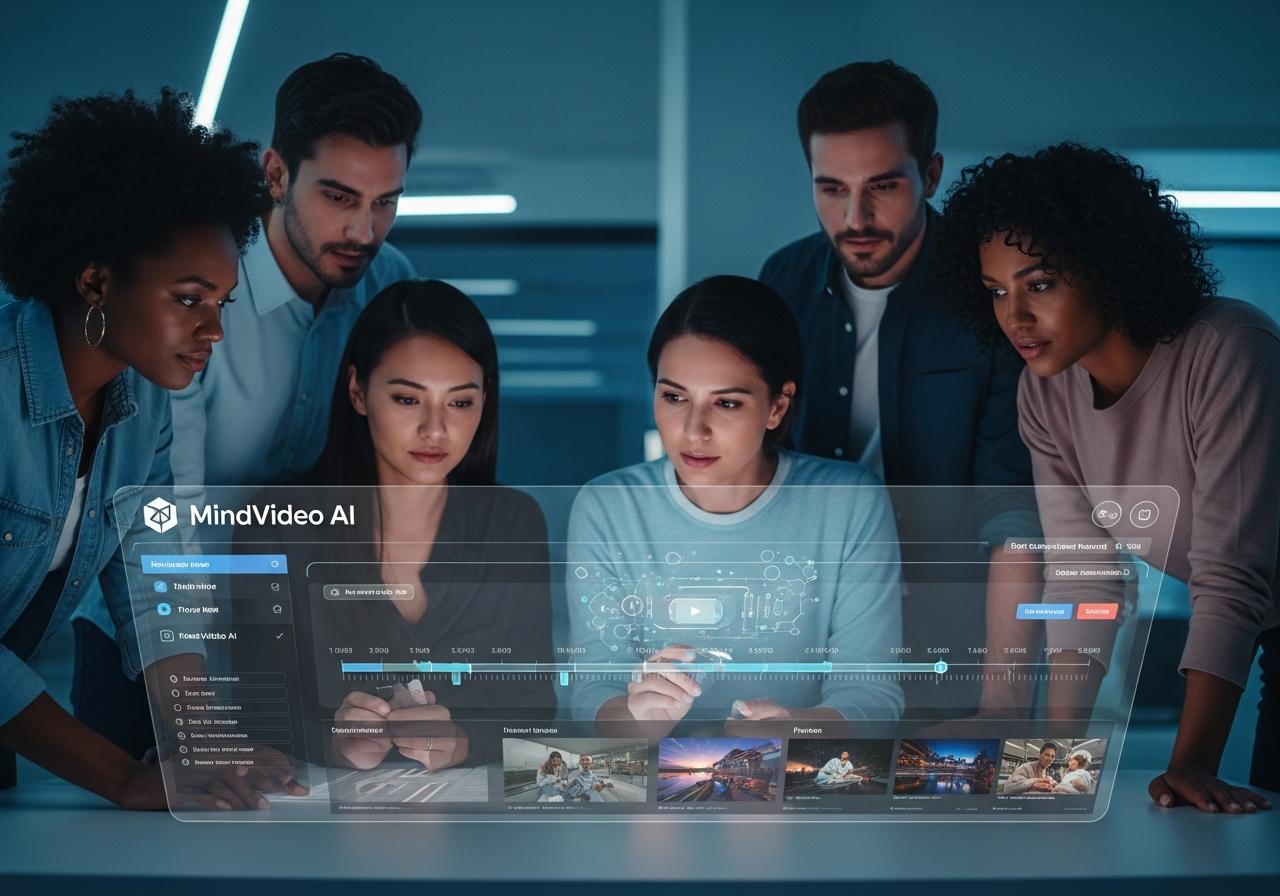
Answer: Higgsfield AI is a mobile-first platform designed for creators, offering advanced distinct motion controls and specific tools for creating viral social content.
Core Features: Cinematic Motion Control, Advanced Visual Effects (VFX), AI Influencer Creation Tools
Answer: Higgsfield specializes in custom motion guidance, allowing users to direct specific camera movements and character actions, effectively putting a VFX studio in your pocket.
Higgsfield is a strong contender for the title of best free image to video AI generator no watermark on mobile. It is built specifically for the “creator economy.”
- Custom Motion: unlike generic tools, Higgsfield lets you dictate how the image moves (e.g., “zoom in slowly,” “pan left”).
- AI Influencer Tools: Perfect for creating consistent characters or AI avatars for a brand channel.
- Cinematic VFX: Apply filters and effects that mimic high-end production styles.
Getting Started with Higgsfield’s Free Generation Bundle
Answer: Download the app, upload a character or scene, use the “Director” mode to set camera angles and action, and generate your video.
- Input: Best works with portrait-style images or character sheets.
- Direct: Use their prompt interface to describe the action. For example: “The character waves hello and smiles.”
- Iterate: Higgsfield is fast, allowing you to re-roll generations until you get the perfect motion transitions.
Ideal Use Cases: Animators, digital artists, and marketers seeking professional-grade, highly customized visual effects and character animations.
Answer: This tool is best for users who want granular control over the animation process to create storytelling content or virtual influencers.
If you are interested in ai create picture free workflows that lead to video, Higgsfield bridges that gap beautifully. It is comparable to tools like Vadoo AI or Mage Space in terms of creativity but focuses heavily on the video output quality.
5. Veedo AI: Simplicity and Speed for Instant Results
Answer: Veedo AI focuses on speed and simplicity, enabling users to generate video clips from images in seconds via a streamlined, prompt-based interface.
Core Features: Intuitive Prompt-Based Generation, Fast Processing Times, Mobile-Friendly Interface
Answer: Veedo AI prioritizes user experience with a clean interface, lightning-fast rendering speeds, and optimization for mobile browsers.
For those who find AI models and complex settings overwhelming, Veedo AI is the solution. It strips away the complexity, offering a straightforward create video from images AI free experience.
- Speed: It is optimized for generating short clips rapidly, often under a minute.
- Simplicity: Minimal buttons and settings—just upload and prompt.
- Cloud Processing: All rendering happens on their servers, so it doesn’t slow down your device.
How to Create a Video in Under a Minute
Answer: Upload the photo, type a short motion description, and click generate to receive a ready-to-share video clip instantly.
- Access: Open Veedo AI in your browser.
- Upload: Select your JPG or PNG.
- Prompt: Keep it simple, e.g., “Make the water move.”
- Done: Download the MP4 file.
Ideal Use Cases: Generating quick, eye-catching clips for platforms like TikTok and Instagram Reels where speed is essential.
Answer: Veedo AI is the perfect tool for social media managers who need to post trending content immediately without getting bogged down in editing.
At LIEN MMO, we often use tools like Veedo AI when we need to turn a blog post header into a quick teaser video for Pinterest or Twitter. It helps content creators maintain visibility with minimal effort.
Comparative Analysis: Which Free AI Video Generator is Right for You?
Answer: The right tool depends on your specific needs: EaseMate for unlimited free use, MindVideo for quality, VEED for editing, Higgsfield for control, and Veedo for speed.
Feature Breakdown: A Comparison Table
To help you decide, we have compiled this comparison based on our testing:
| Feature | EaseMate AI | MindVideo AI | VEED.IO | Higgsfield AI | Veedo AI |
|---|---|---|---|---|---|
| Best For | Unlimited/No Sign-up | 4K Quality | All-in-One Editing | Custom Motion | Speed |
| Watermark | No | No (Beta) | Yes (Free Tier) | No (Credits) | No (Limited) |
| Skill Level | Beginner | Intermediate | Intermediate | Advanced | Beginner |
| Output | MP4 | MP4 (4K) | MP4, GIF | MP4 | MP4 |
| Key Advantage | Truly Free Access | Templates | Subtitles/Avatars | Motion Control | Fast Rendering |
Our Expert Recommendation for Different User Needs
Answer: We recommend EaseMate AI for budget-conscious beginners, MindVideo for business presentations, and Higgsfield for creative storytellers.
- For the “Free Forever” Seeker: EaseMate AI is your best bet. It delivers on the promise of a free image to video ai generator unlimited experience without the hassle.
- For the Marketer: MindVideo AI offers the polish and resolution needed for ads.
- For the Creator/Influencer: Higgsfield AI gives you the creative control to make unique content that stands out.
Conclusion
The barrier to creating compelling video content from static images has been completely removed by these powerful AI tools. Whether you prioritize ease of use, high-resolution output, or advanced editing capabilities, there is a free image to video ai generator unlimited option available to suit your needs.
At LIEN MMO, we believe that leveraging these platforms allows creators and marketers to significantly enhance their creative workflows, produce engaging visual narratives, and captivate audiences across all digital platforms without needing technical skills or a massive budget. The era of static images is fading—embrace the movement.
Ready to bring your images to life? Choose the generator that best fits your needs from our list and start creating stunning, high-quality videos for free today!